EAS Security
 EAS Gate
 Security Tag
 EAS Accessories
 Gadgets
 Convex Mirror
 Road Barrier
 Burglar Alarm
 Calling System
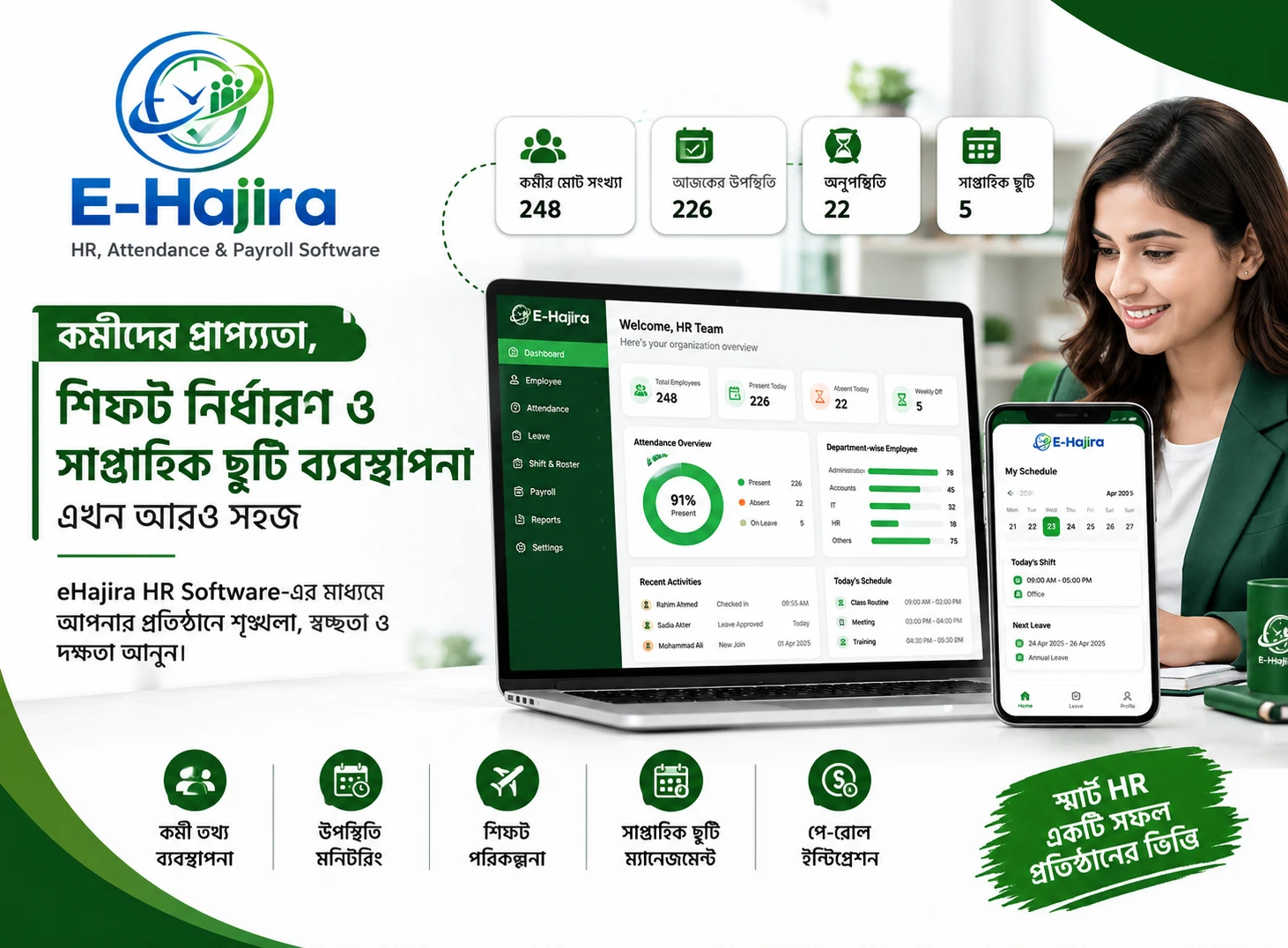
Best HR Software in Bangladesh: What to Look for in eHajira
November 15, 2026

Best HR Software in Bangladesh: What to Look for in eHajira
An employee’s attendance appears incomplete, a leave request is waiting for approval, and the payroll team needs verified information before closing the month. Meanwhile, a manager asks for a department report. When these tasks depend on separate registers, spreadsheets, and messages, routine HR administration becomes difficult to coordinate.
This is why searching for the best HR software in Bangladesh should begin with your organization’s daily problems. A useful system should help employees maintain accurate records, investigate exceptions, and complete approvals without repeatedly rebuilding the same information.
eHajira is an option to evaluate for connected HR, attendance, leave, and payroll administration. However, selecting it should involve more than reviewing a dashboard or reading a feature list. Your team needs evidence that the proposed configuration supports its actual working arrangements.
This guide explains what to examine in eHajira, how to interpret the available product information, and how Bangladeshi businesses can make a practical purchasing decision.
What Does “Best HR Software” Actually Mean?
The best HR software for an organization is the system that meets its essential requirements, supports dependable administration, and remains manageable within its resources.
A small office with one work schedule may prioritize employee records and straightforward attendance reporting. A business with several locations may need branch responsibilities and different schedules. A manufacturing operation may have more complex shift and payroll requirements.
These are illustrative business situations rather than findings from a market survey. Their purpose is to show why one universal ranking cannot establish the right choice for every employer.
For this article, “best” is an evaluation goal. It is not a claim that eHajira has independently ranked first among all HR software products in Bangladesh.
What the Available Evidence Establishes About eHajira
The supplier’s published information presents eHajira as an HR, attendance, and payroll platform. Its product catalogue includes packages for different employee ranges and operational requirements. Package names alone should not be treated as confirmation of identical capabilities across every subscription.
One published Business Standard package describes employee profiles, attendance synchronization, leave approvals, payroll processing, shift management, self-service access, and attendance reports. It also identifies compatible biometric or RFID devices rather than promising support for every device. These are supplier descriptions, not independent performance test results.
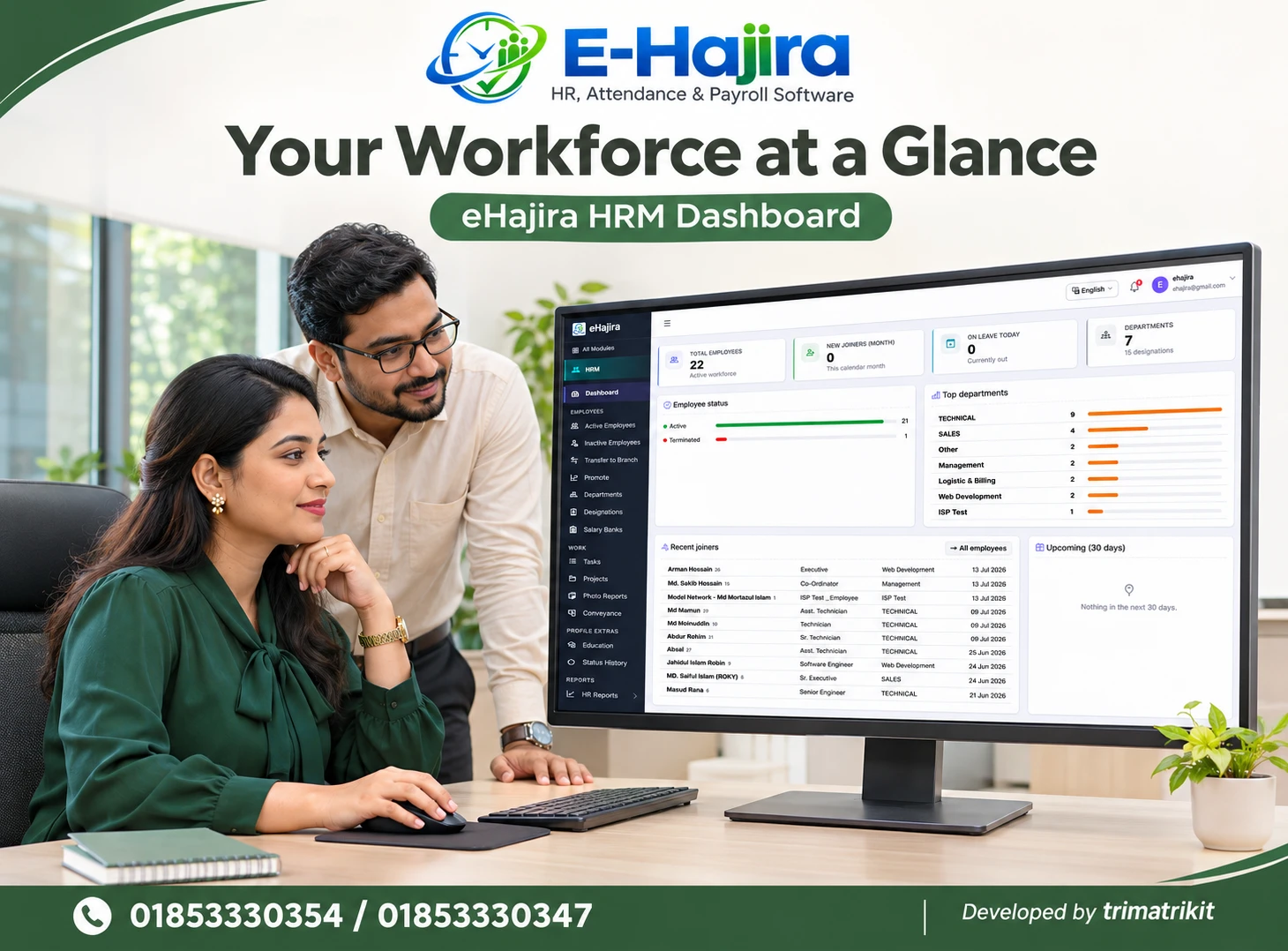
The supplied eHajira screenshots provide additional evidence of interfaces for employees, departments, branch transfers, promotions, attendance registers, logs, and reports.
A visible screen establishes what is displayed. It does not prove calculation accuracy, historical behavior, integration reliability, or availability in your proposed package. Those points require demonstration and written confirmation.
Begin with Your Organization’s Current HR Problems
Before comparing packages, describe the work that currently takes too long or produces recurring mistakes.
For example, your team may repeatedly search for employee information, correct missing attendance entries, or reconcile leave before payroll. Identify where the information originates, who reviews it, and what output is needed.
This exercise gives a demonstration a clear purpose. Instead of watching a supplier navigate through unrelated modules, you can ask them to reproduce a specific administrative task.
Distinguish essential requirements from future interests. Recruitment, performance reviews, and other broader HR functions should not be assumed simply because a product is described as HR software. If they matter to your decision, request evidence separately.
Review the Employee Database as the Foundation
Reliable employee identification supports every connected process. If records contain duplicate profiles, incorrect departments, or inconsistent codes, attendance and reporting can become confusing.
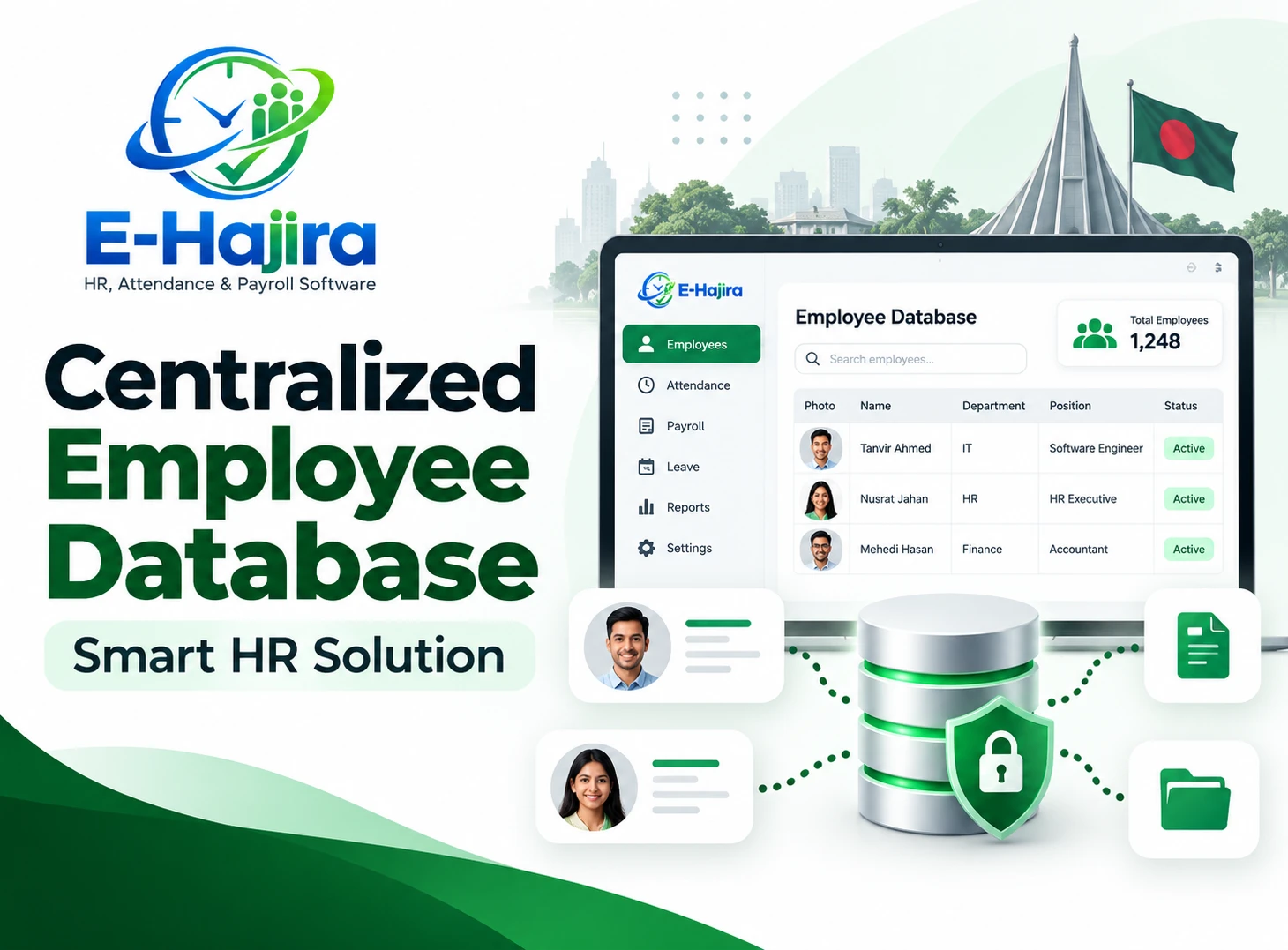
The supplied Employees screen includes identifying information alongside department or role, joining information, employment type, and status. It also displays search and filtering controls.
During evaluation, use fictional employees with similar names. Check whether administrators can locate the correct profile using an employee code and confirm the relevant organizational information.
Ask how former employees are handled and whether past reports remain accessible after status changes. An inactive employee and a deleted employee may have different consequences. The interface alone does not establish those consequences.
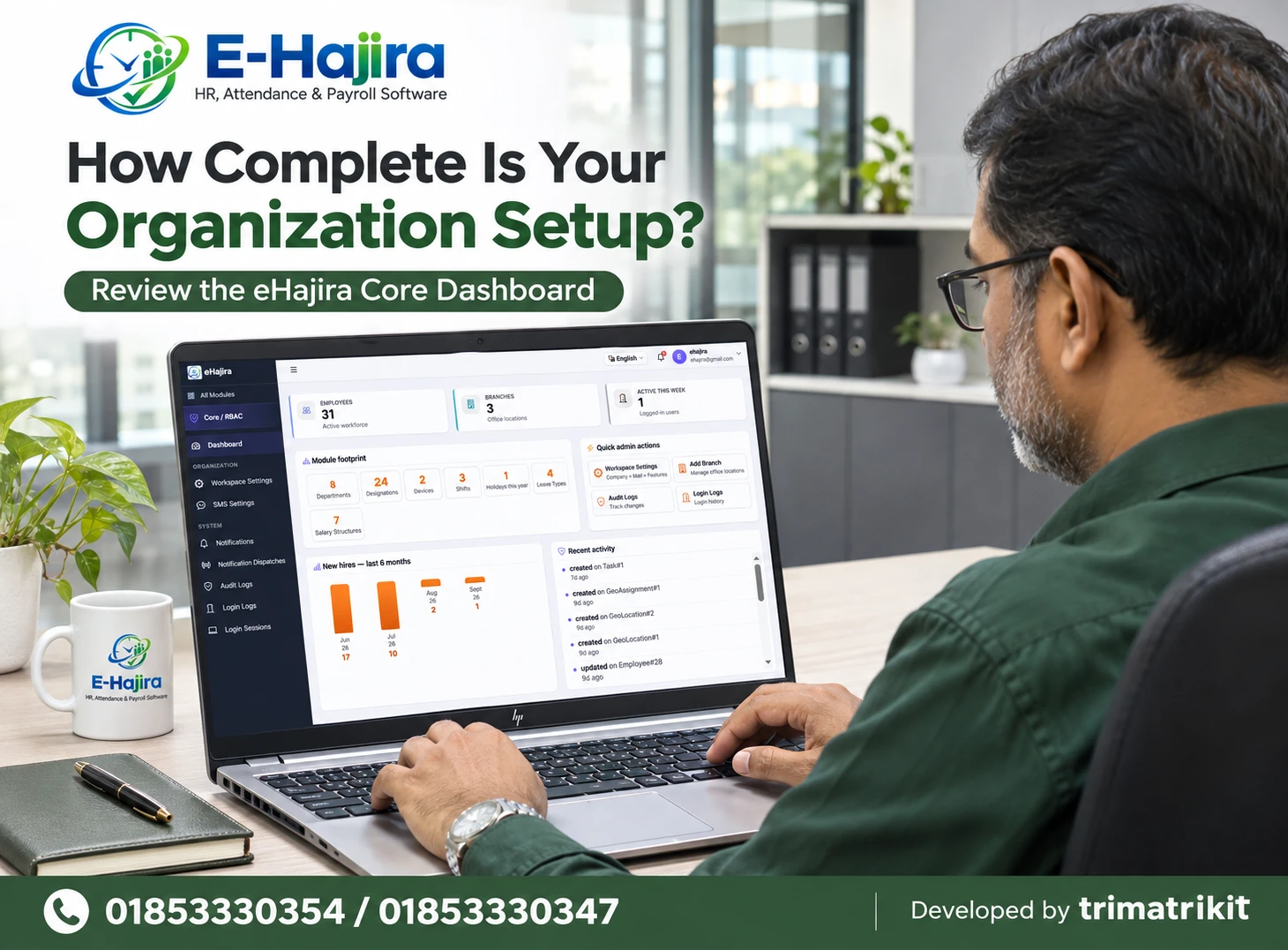
Examine Departments, Designations, and Branch Responsibilities
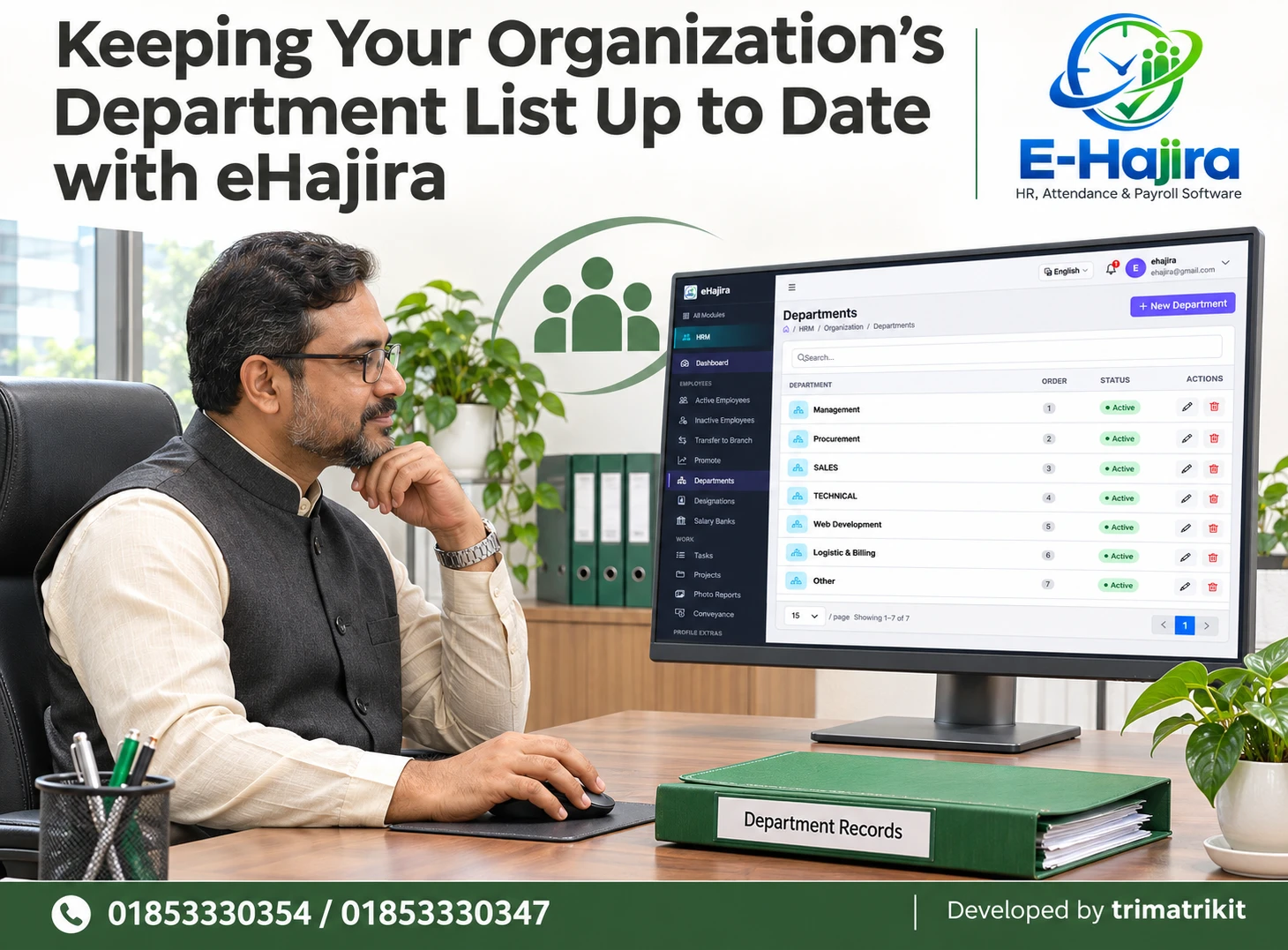
A department describes an organizational unit, while a designation describes a person’s position. A branch represents another administrative dimension. Keeping these meanings distinct improves the usefulness of employee records.
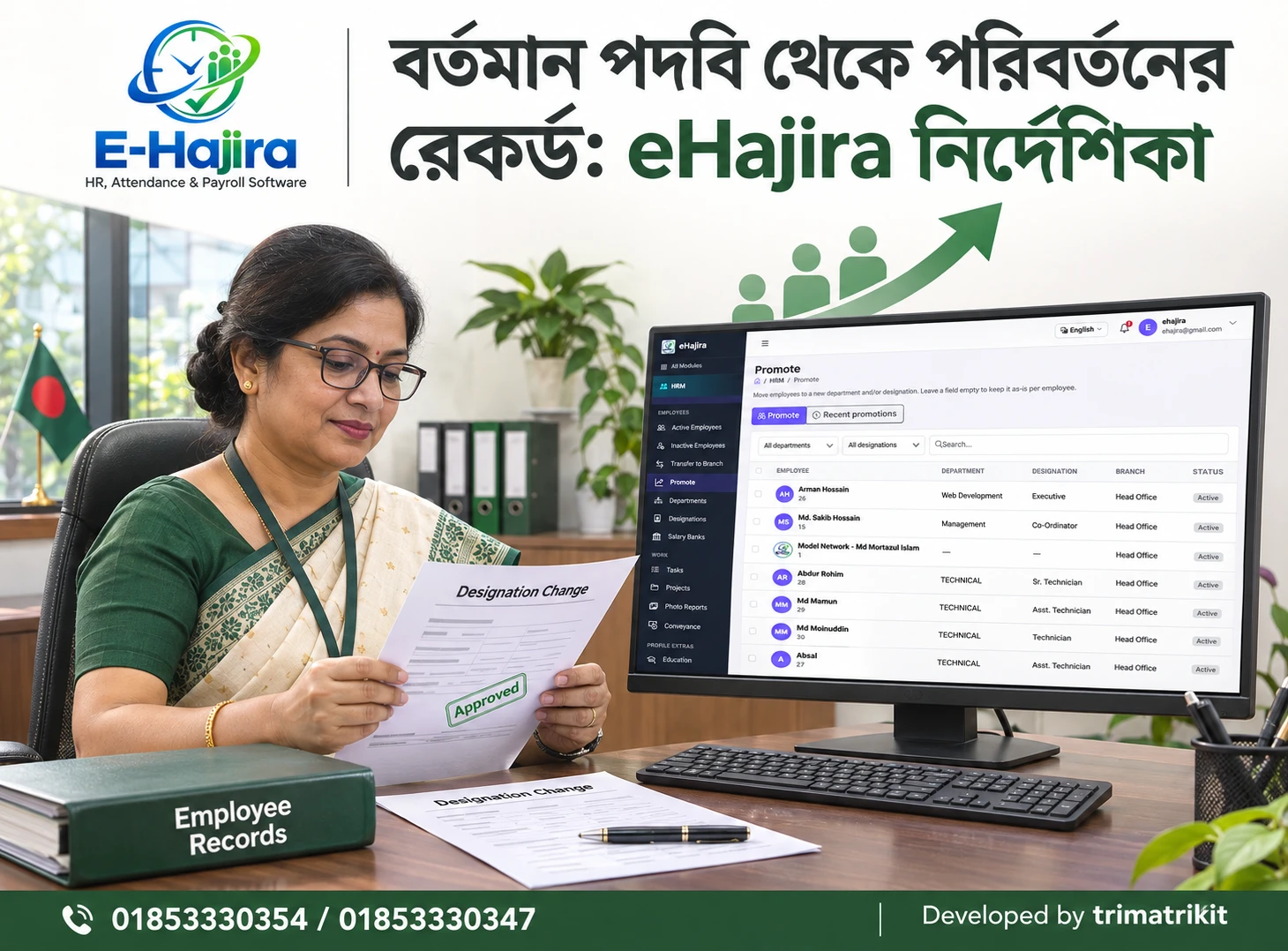
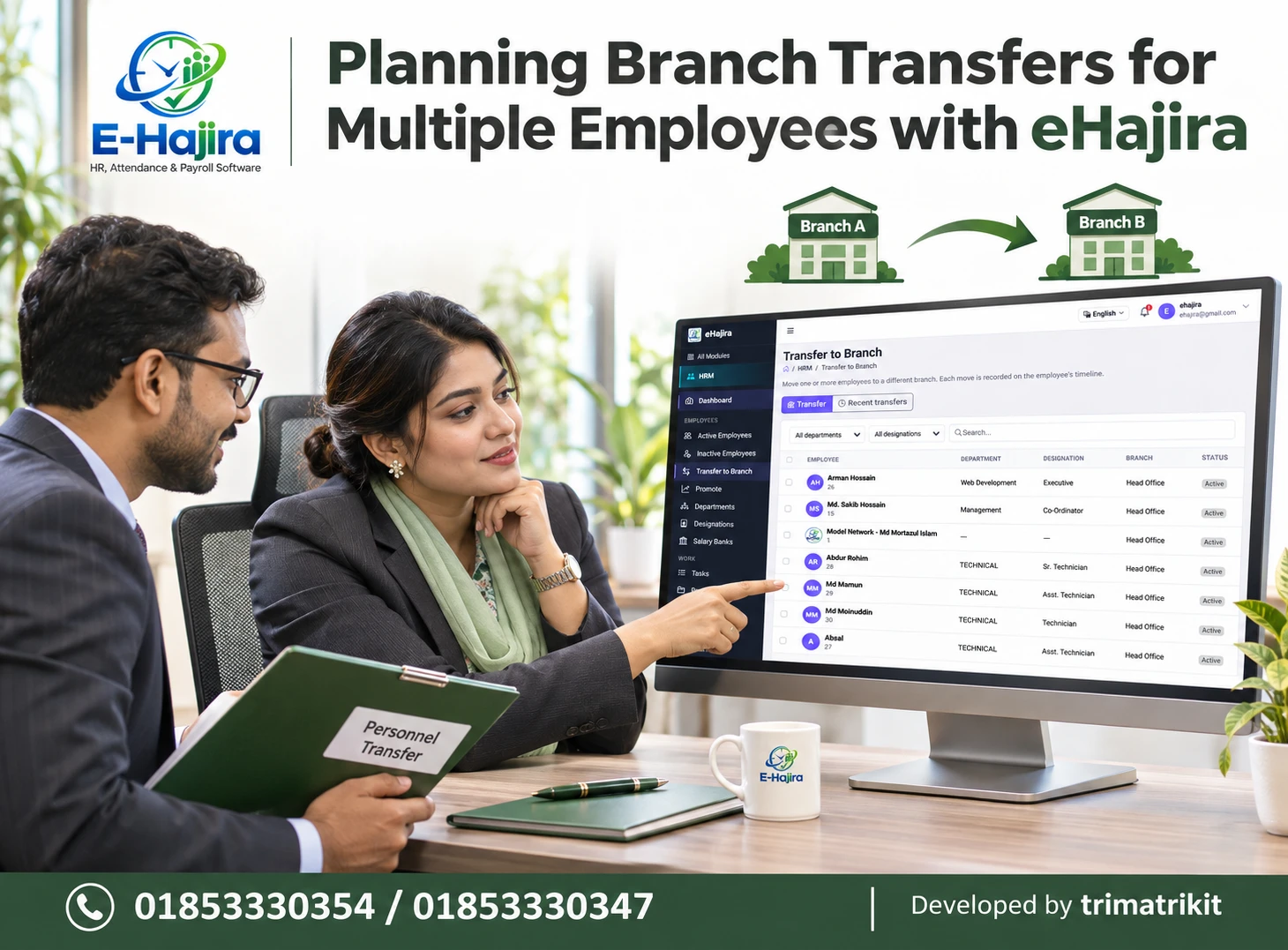
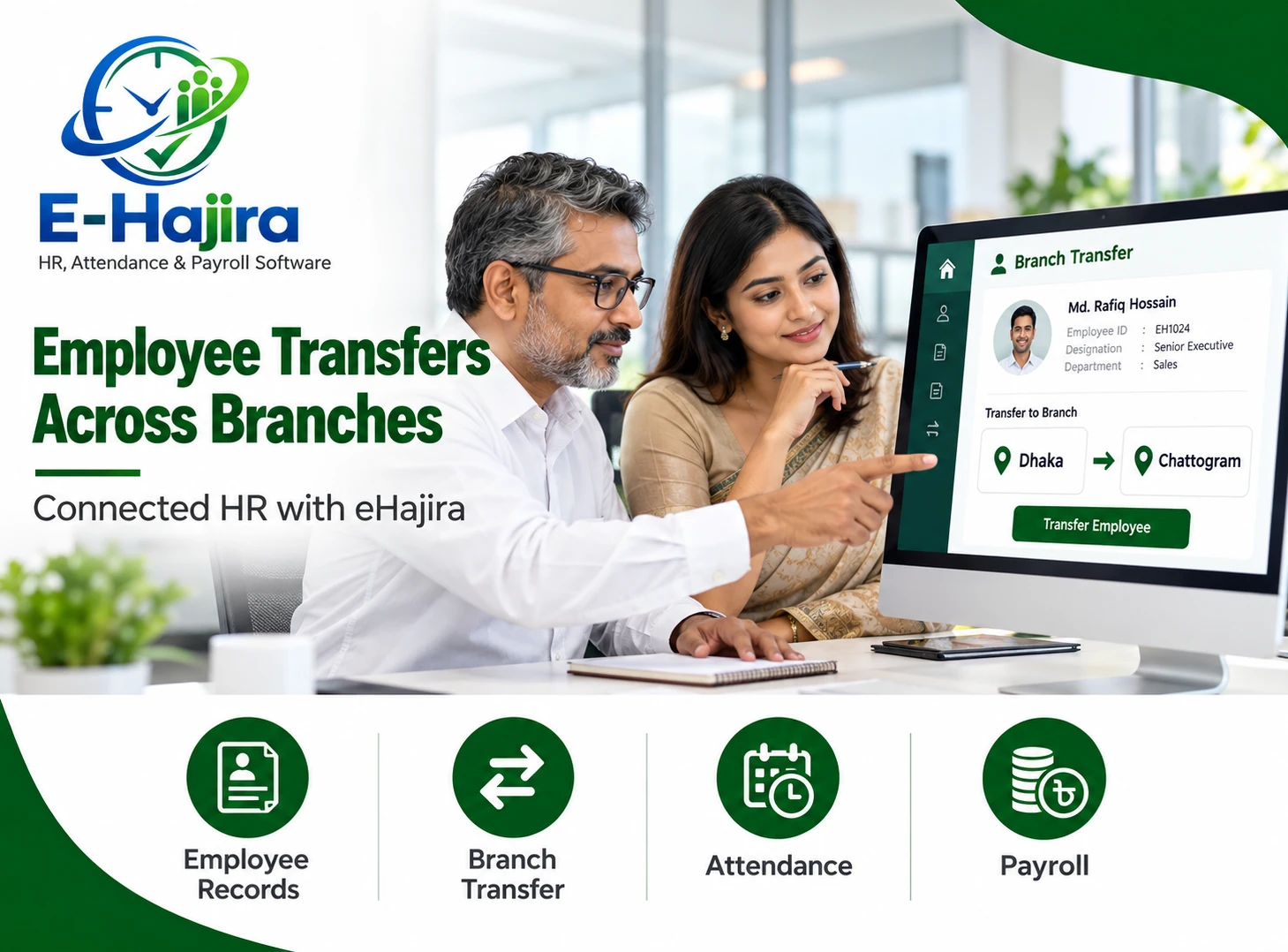
The supplied eHajira screens show separate areas for departments, designations, branch transfers, and promotions. This provides a basis for testing how organizational changes are recorded.
For a fictional employee, demonstrate a branch transfer and a designation change. Then inspect the employee’s current information and any available history.
Clarify whether earlier reports retain their historical organizational context. A current department assignment should not automatically be assumed to explain where an employee worked several months earlier. Historical reporting behavior needs explicit verification.
Understand How Attendance Is Collected
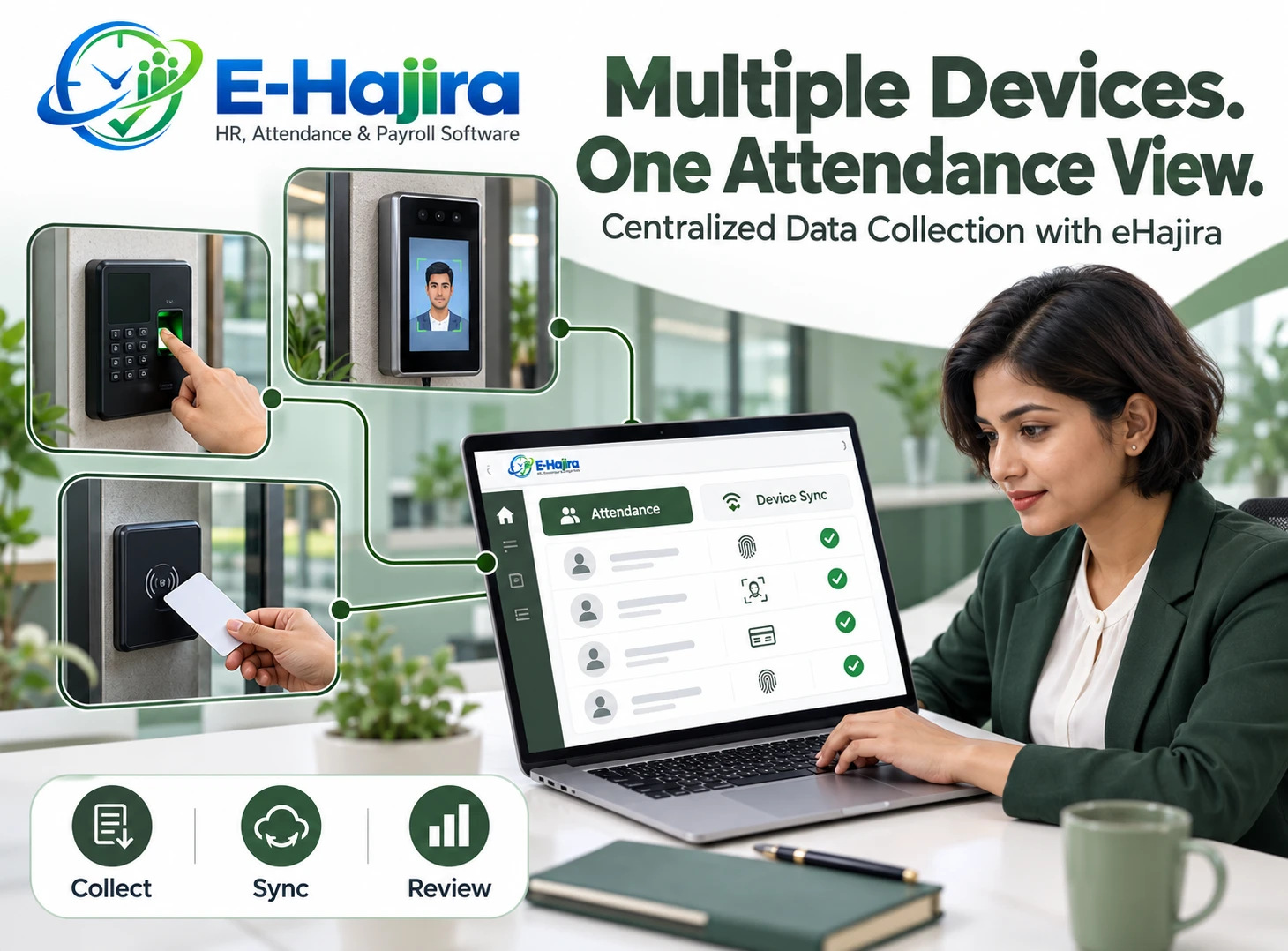
Attendance can originate from different sources, depending on the proposed setup. Your organization should understand which source is used and how it connects to the employee record.
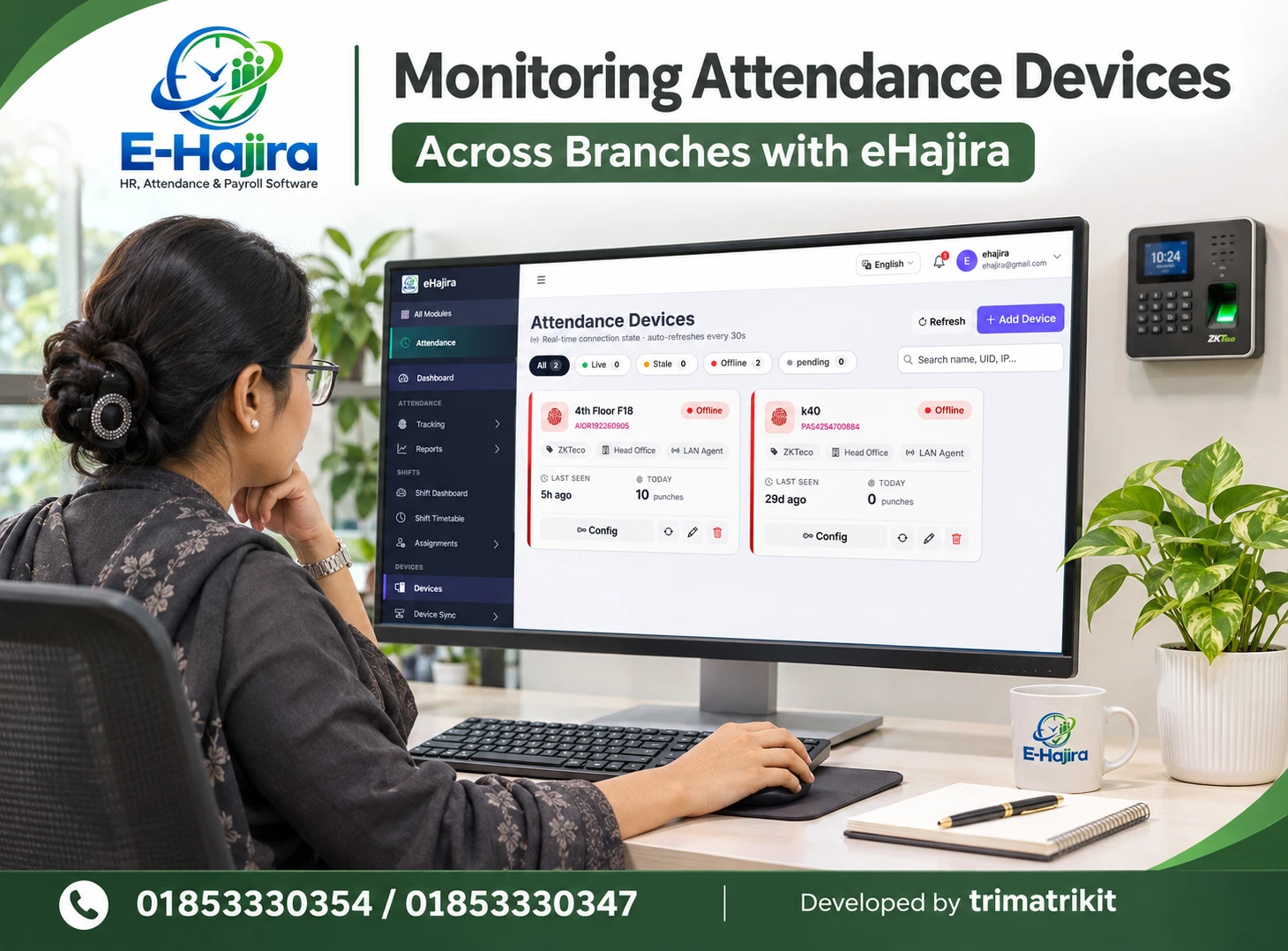
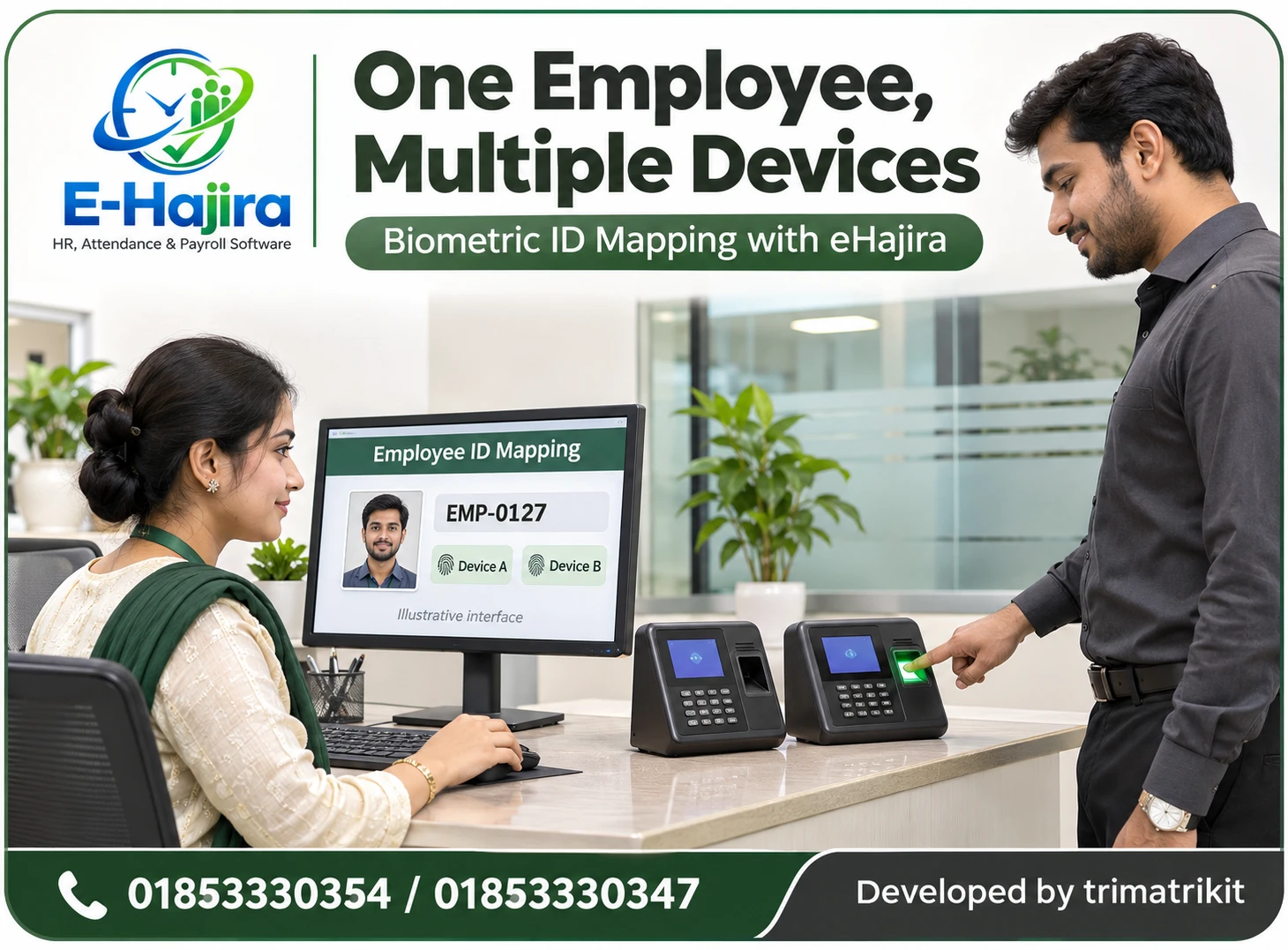
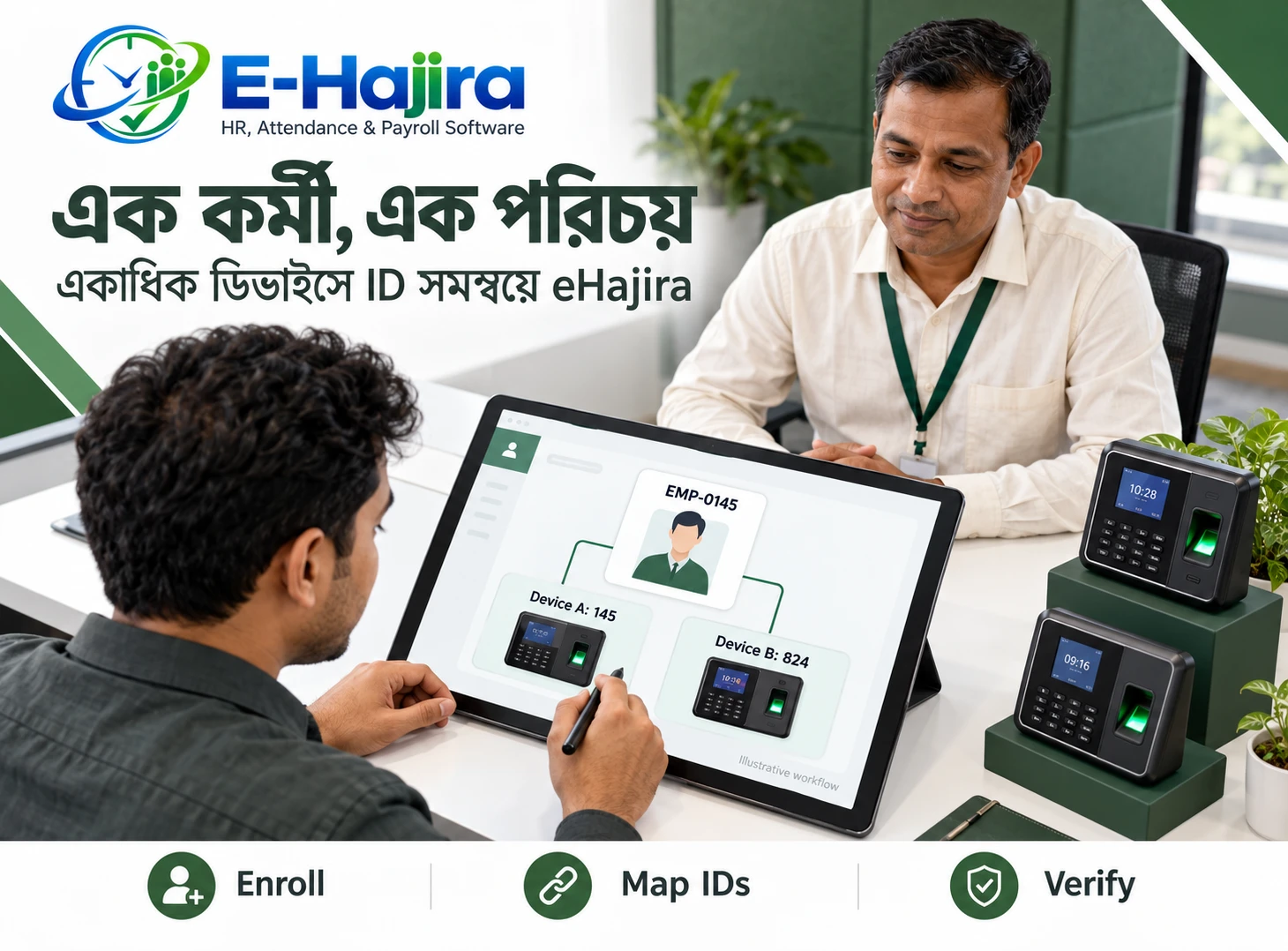
If a device is involved, confirm the exact model, connection method, and identifier mapping. A statement about compatible devices does not establish that your existing equipment will work without additional configuration.
Test a complete example from attendance capture to its appearance in the system. Check the recorded time, employee identity, and applicable date.
Also examine what happens when a device loses connectivity. Whether records are retained locally and uploaded later depends on the device and integration. Ask for a demonstrated answer rather than assuming that all offline situations behave identically.
Separate Raw Punches from Daily Attendance
A punch is a recorded event. A daily attendance result is an interpretation of relevant information under the configured rules.
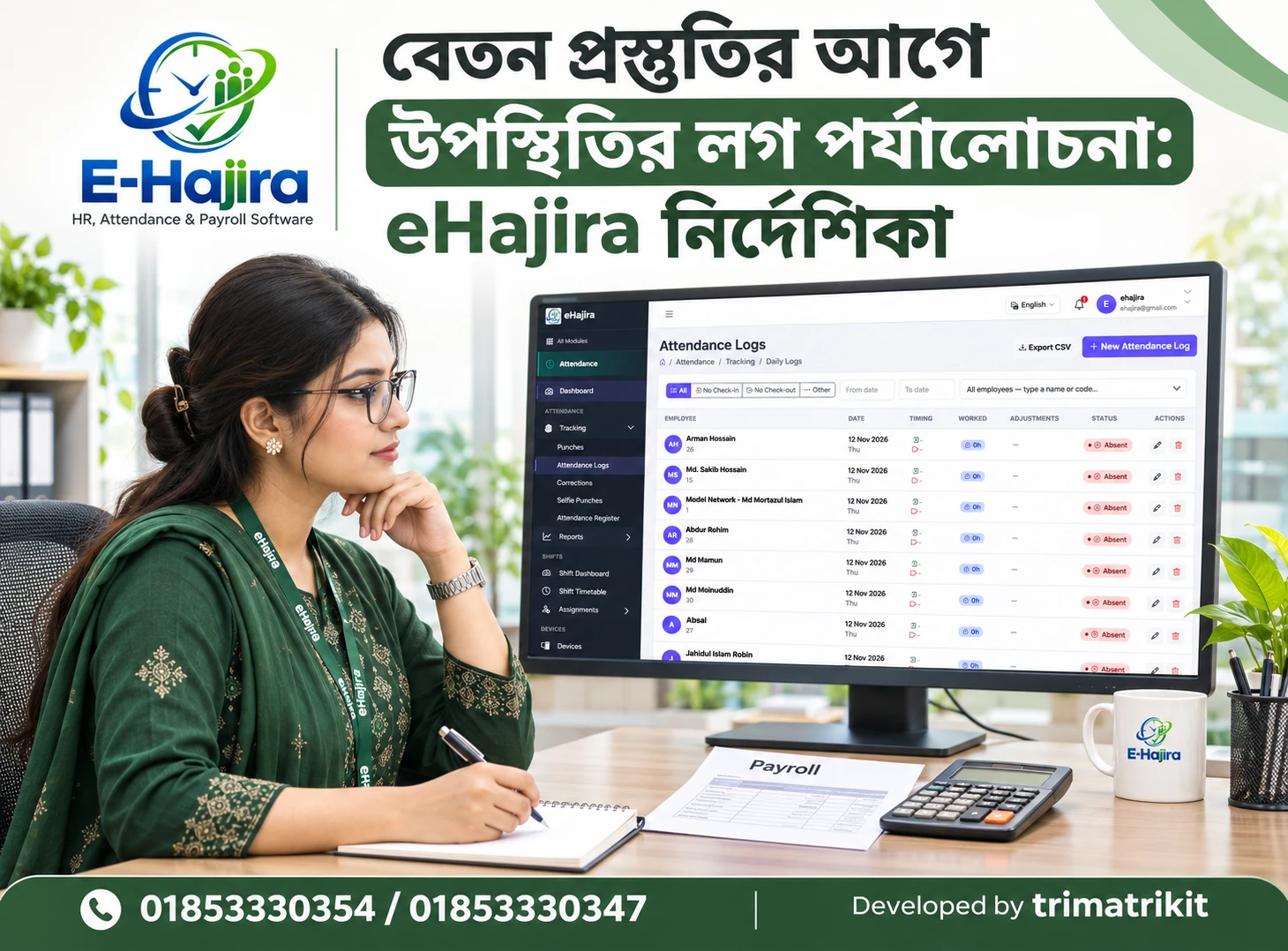
The supplied navigation shows Punches and Attendance Logs as separate areas. This distinction matters when investigating missing or unexpected results.
An employee might have a recorded entry event but no exit event. Alternatively, a punch may exist while the daily record requires further investigation. The correct response depends on the actual data and configuration.
During a demonstration, introduce a missing check-out example and follow the investigation. The team should understand where to inspect the original evidence, how a correction is authorized, and how the revised result is reviewed.
Assess Manual Attendance Register Controls
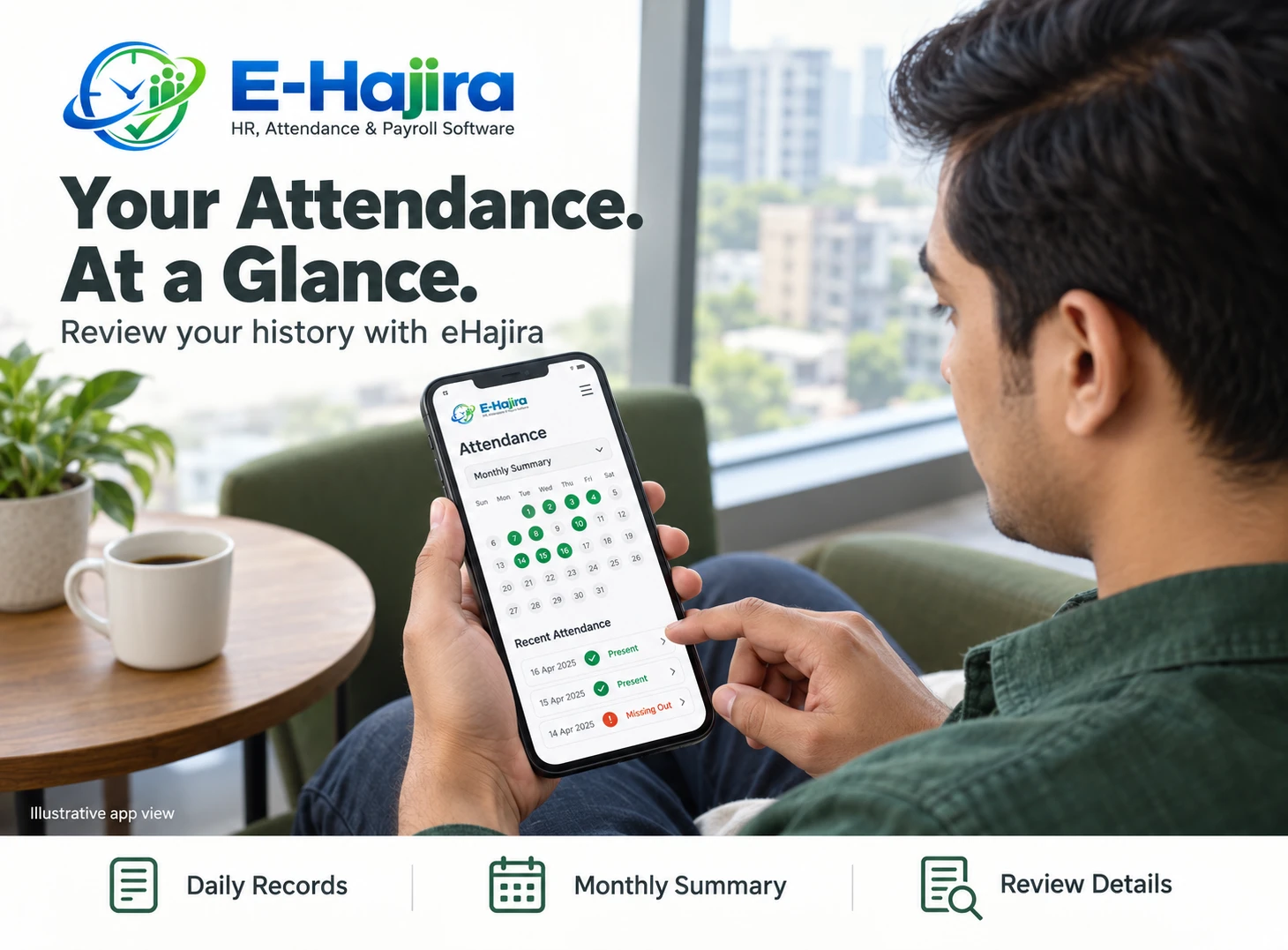
The supplied Attendance Register includes date, department, designation, and employee selection. It also shows Present, Absent, Skip, pending changes, and Save All.
These controls are relevant when authorized staff need to manage attendance entries. However, efficient bulk actions require careful understanding of their scope.
Test whether a general action applies to the visible rows, the filtered list, or another set of employees. Confirm what Skip does and whether selecting Present creates any time values.
After saving, reopen the relevant records. A demonstration should establish both the intended change and the saved result. A fast entry process is useful only when staff can verify what it changed.
Test Shifts and Rosters Against Actual Working Patterns
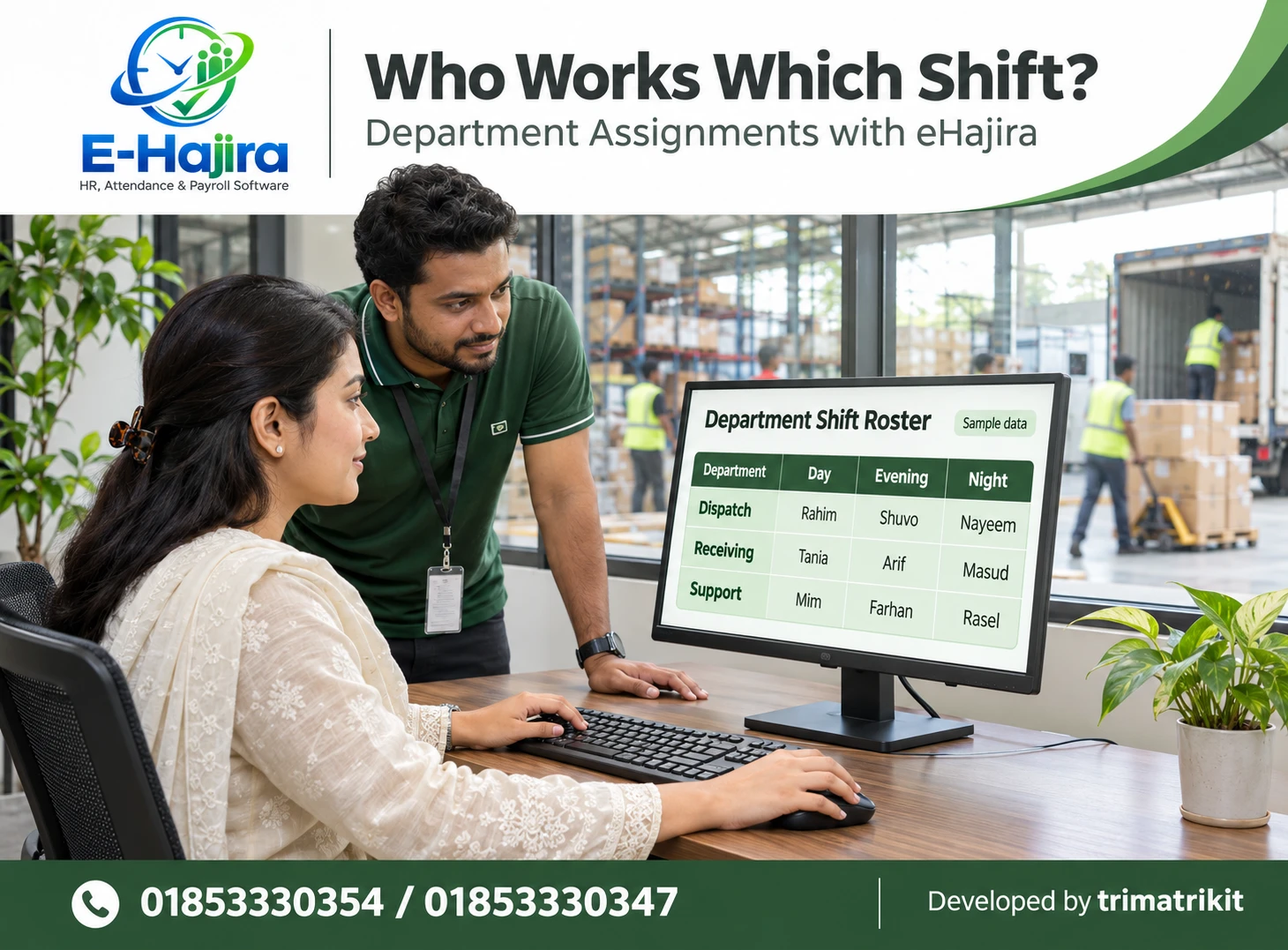
A shift defines a working period. A roster assigns employees to those periods across a schedule.
eHajira’s published roster guide describes the relationship between assignments, attendance review, and payroll preparation. It also states that availability depends on the package and implementation scope.
For your evaluation, use schedules that resemble the organization’s operations. Include an ordinary shift change and, where relevant, a duty period crossing midnight.
Check the effective dates of assignments and how attendance is associated with the correct workday. A clear schedule helps administrators interpret lateness and early departures. It does not remove the need to investigate incomplete or unusual records.
Review Leave from Application to Attendance
Leave management should be assessed as a complete process. An application, an approval, and a change to the employee’s attendance record are different events.
Ask the supplier to demonstrate a fictional request through its relevant stages. Then inspect the resulting balance and attendance information.
Organizations should also test cancellation, rejection, and corrections where these situations are important. Establish who has authority to make each decision.
Do not assume that pending leave prevents an absence classification or that every approved leave type affects payroll in the same way. The proposed behavior should match your approved policy and be verified with examples.
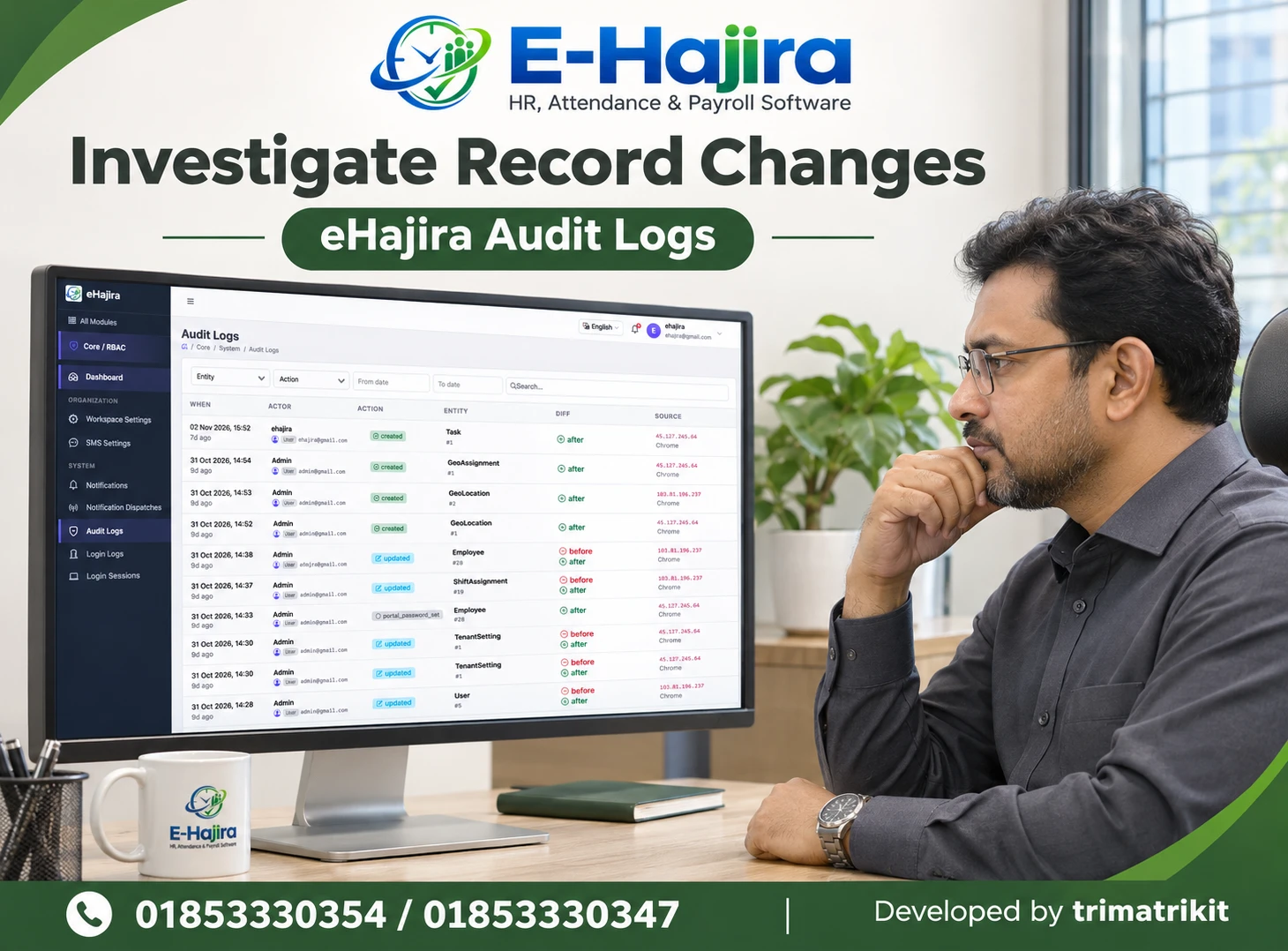
Evaluate Payroll Through Reconciliation
Payroll evaluation should focus on whether the calculation can be explained and reconciled.
Use fictional salary data representing your organization’s applicable components. Compare the software output with an independently reviewed expected result.
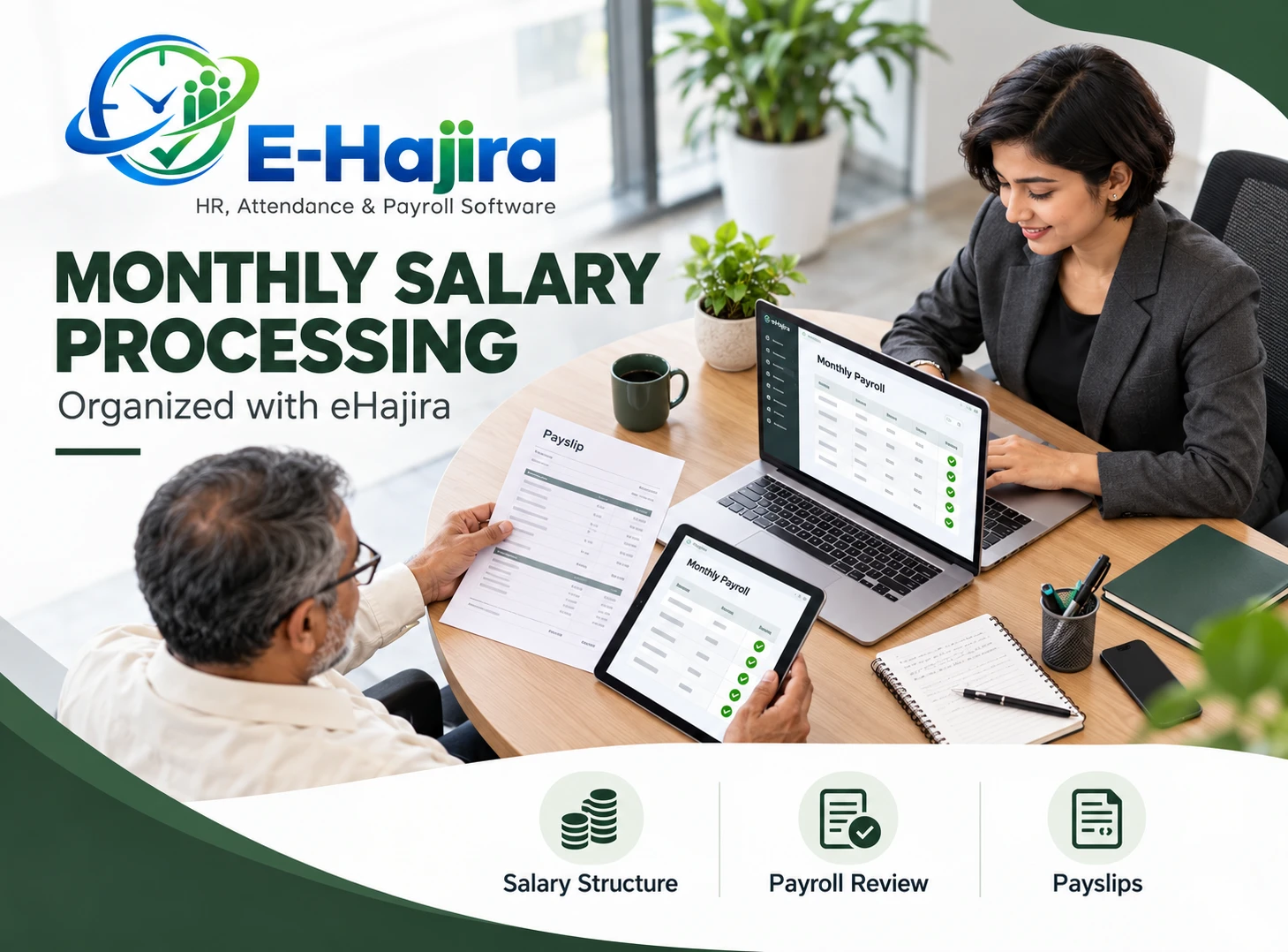
Then test a change, such as an approved adjustment or a revised salary component. Ask how the effective period is handled and whether earlier payroll results change.
Attendance status, payroll approval, payslip generation, and salary disbursement are separate concepts. Producing a payslip does not prove that money has reached an employee’s bank account.
Where bank files, accounting connections, or tax-related outputs are necessary, request specific demonstrations. They should not be inferred from the word “payroll.”
Judge Reports by Meaning and Traceability
An attractive report is useful when its figures answer a defined question.
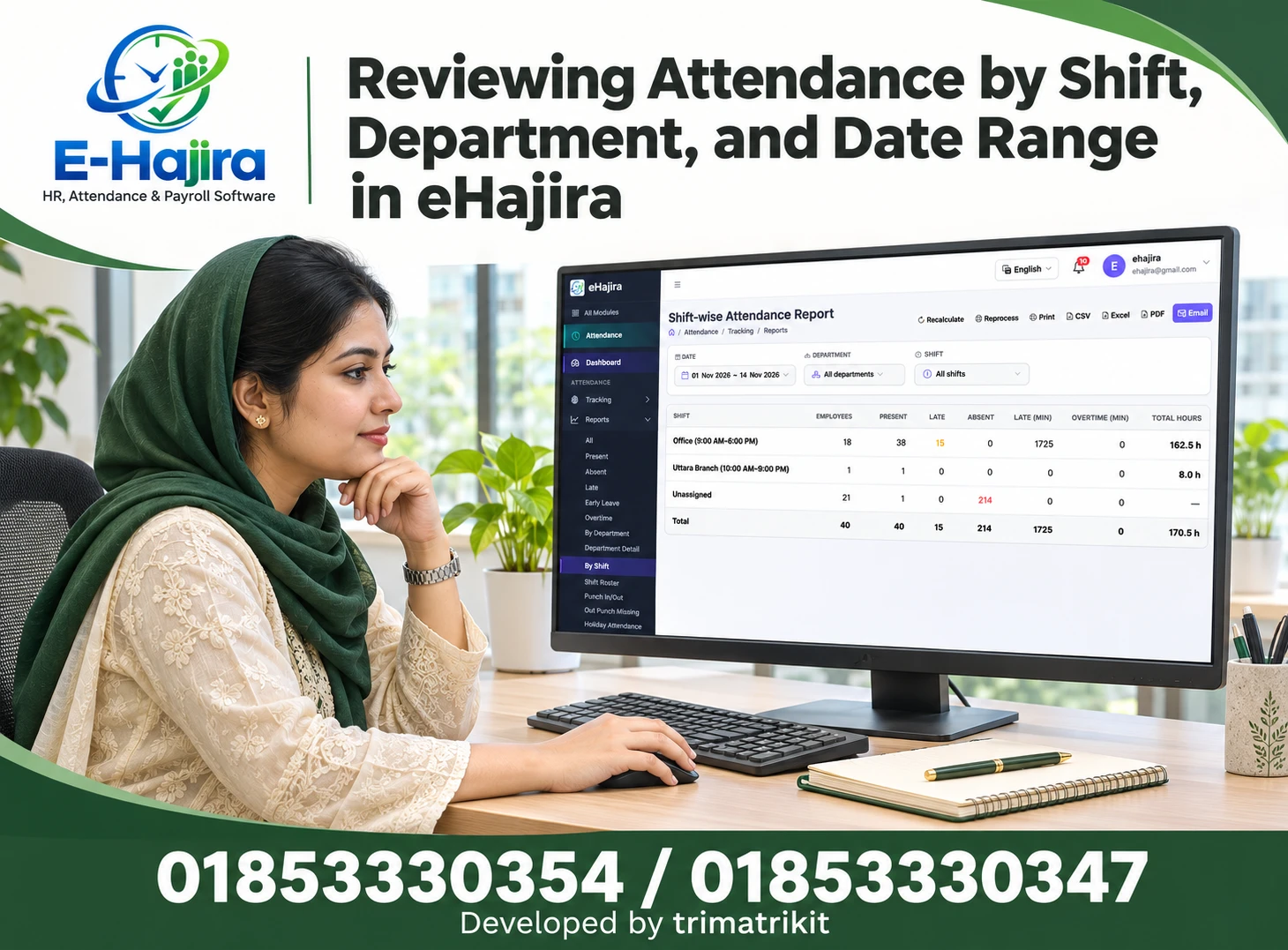
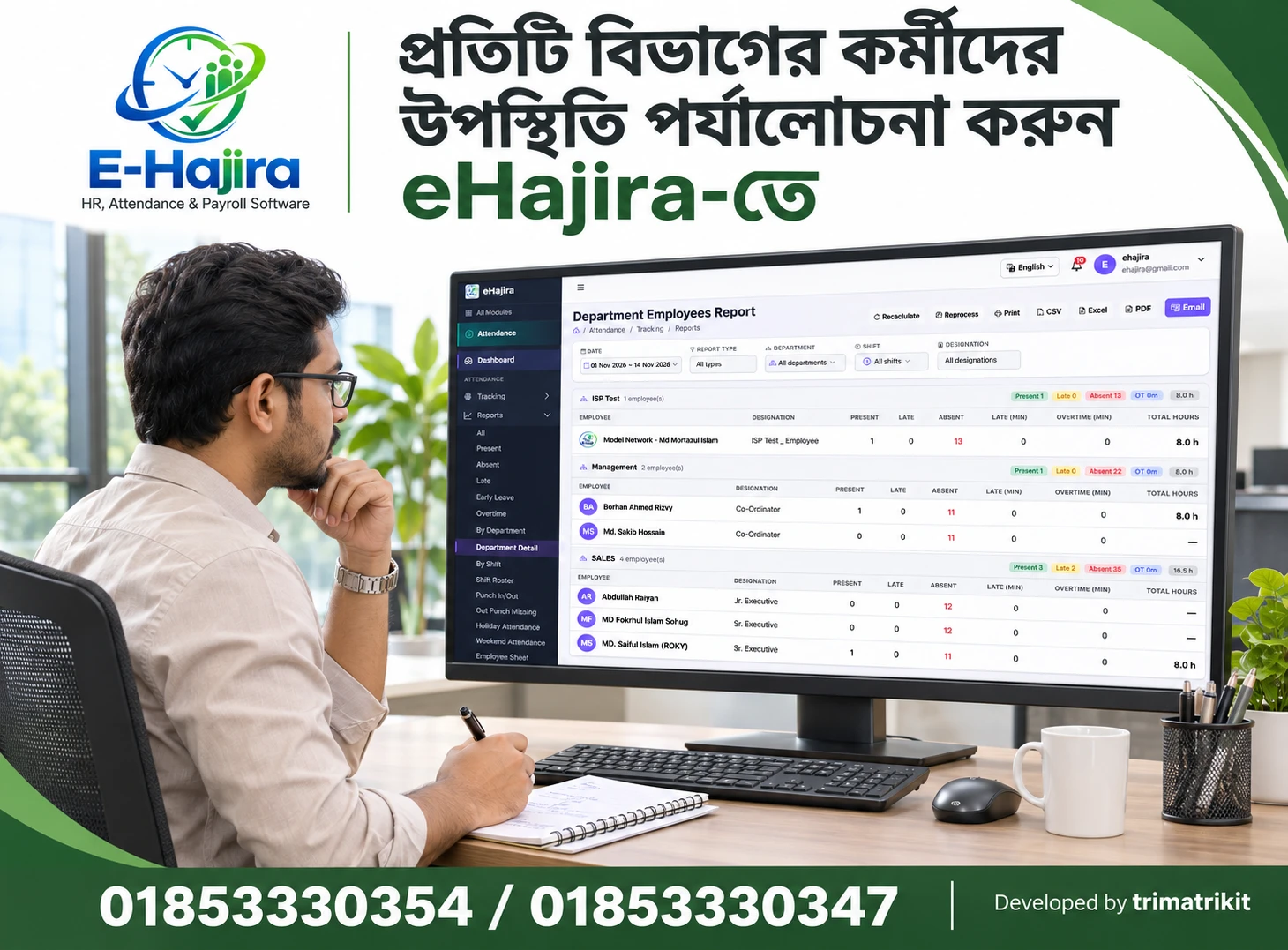
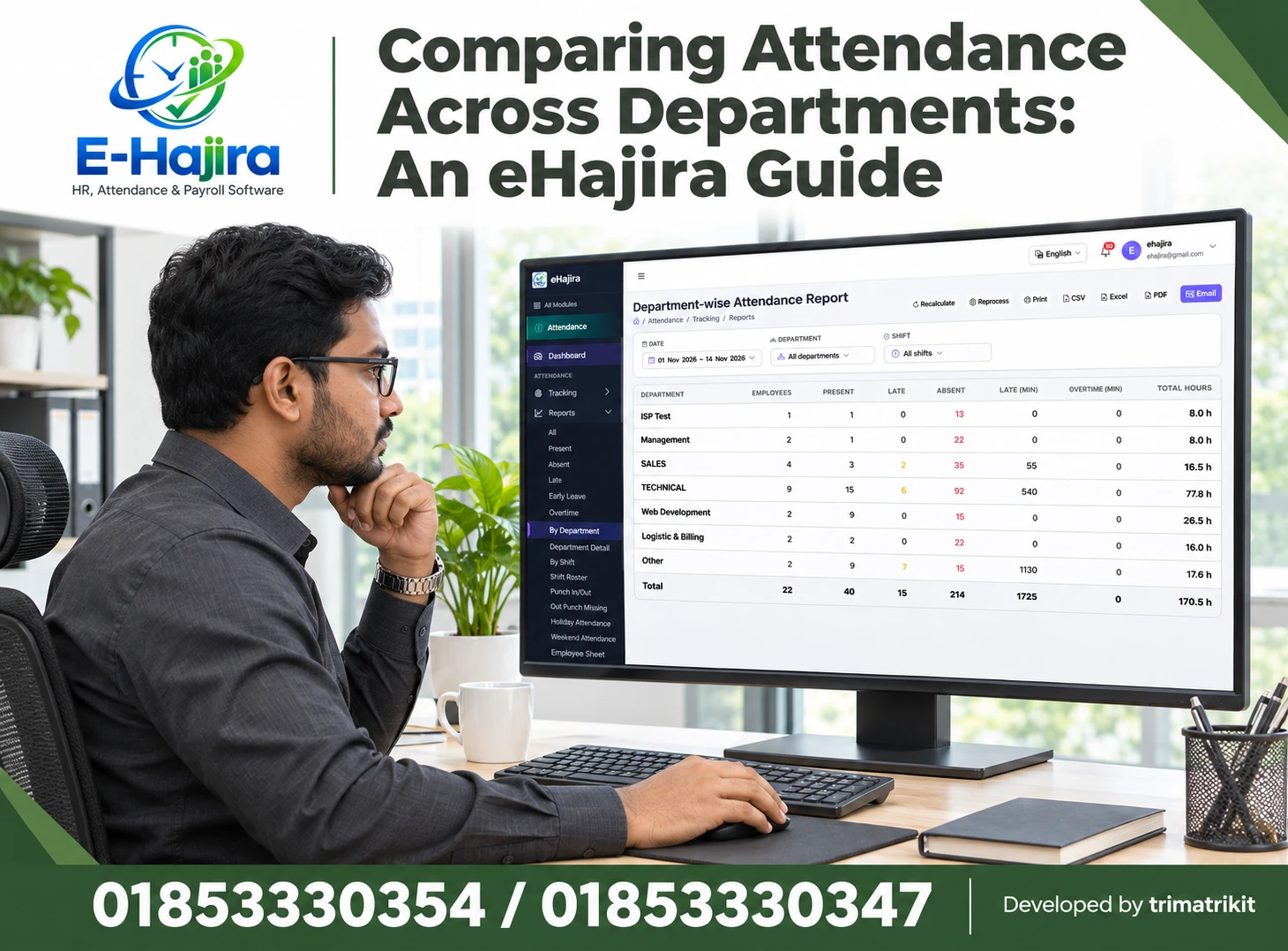
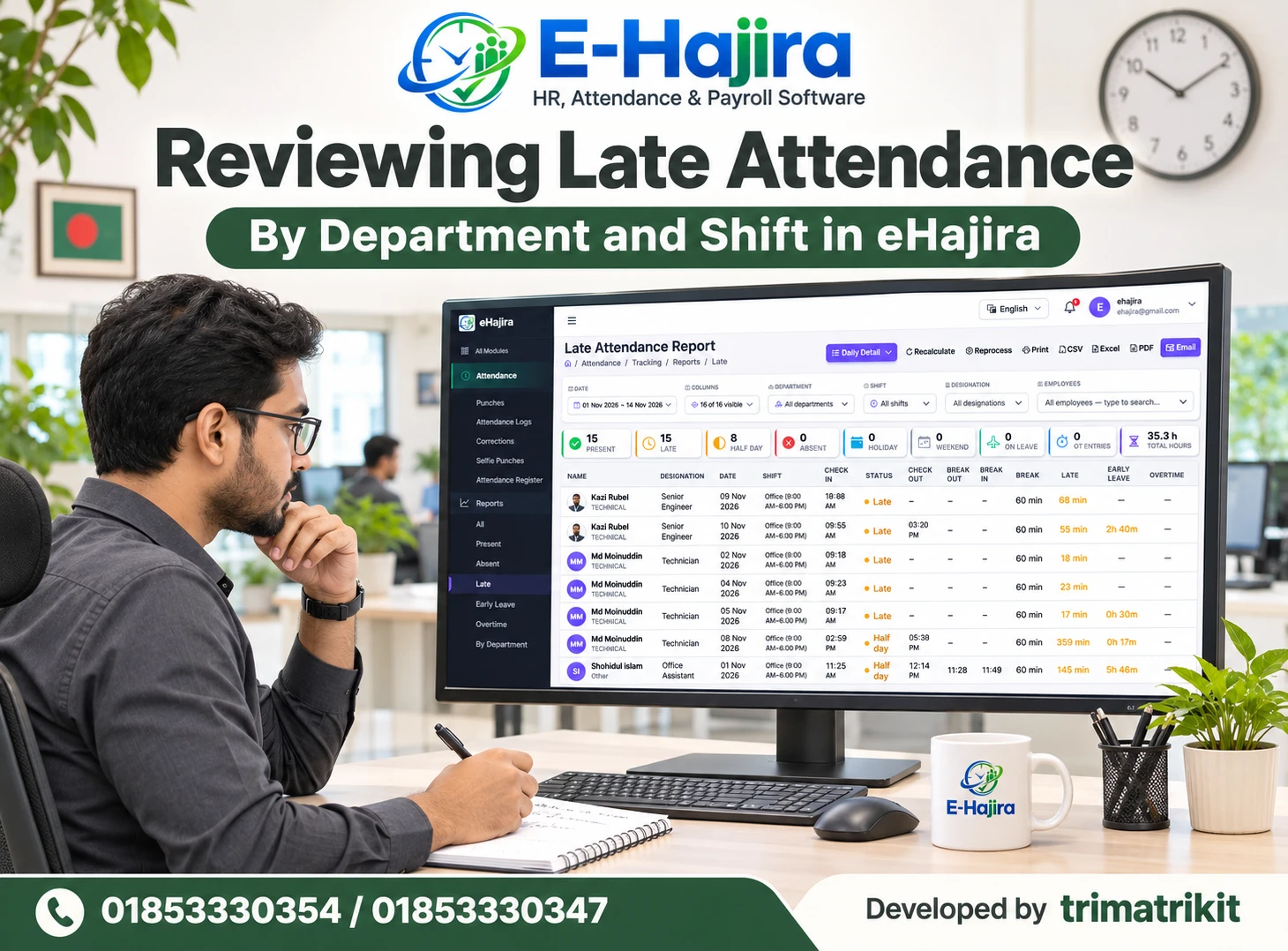
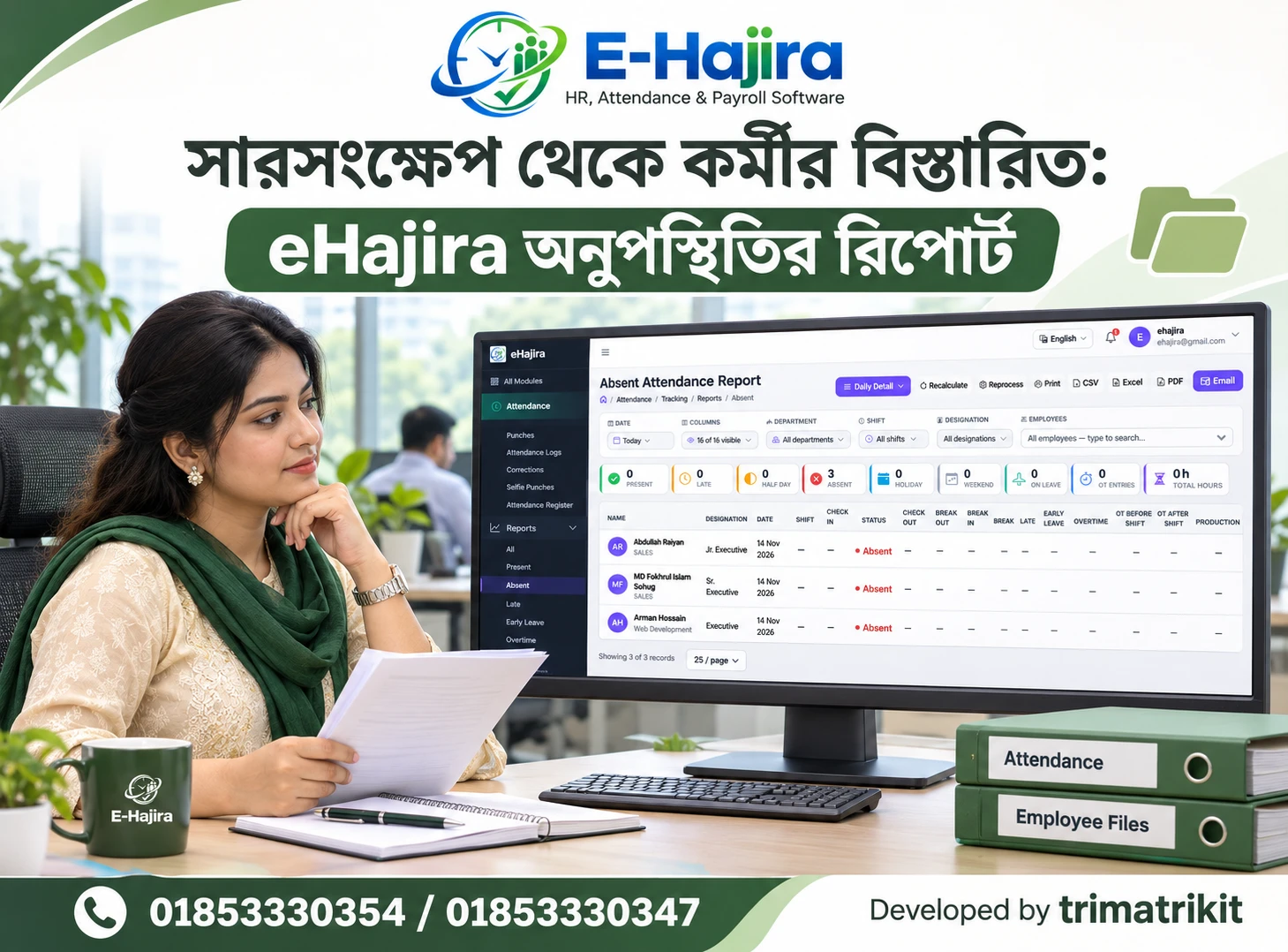
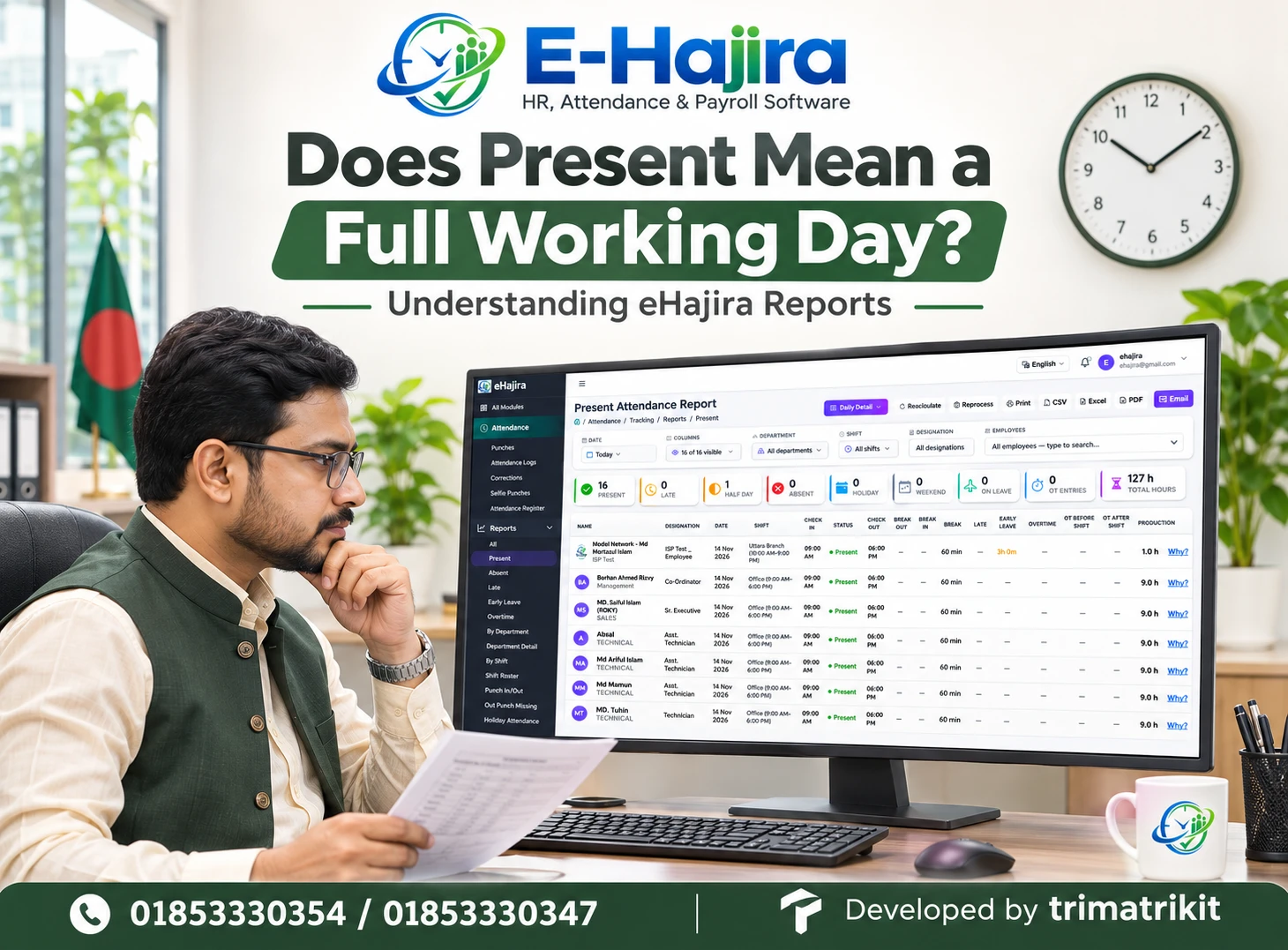
The supplied eHajira screenshots show reports for present, absent, late, early leave, departments, and shifts. Several include date and organizational filters.
Examine whether the report counts people, days, events, minutes, or hours. A total covering several days should not automatically be interpreted as unique headcount.
Ask how a summary figure can be traced to individual records. Test filters with a known sample and compare the result against the expected set.
Missing values and zero values also require attention. A dash may indicate unavailable information rather than a measured zero. Your team should understand the report’s conventions before using it for management decisions.
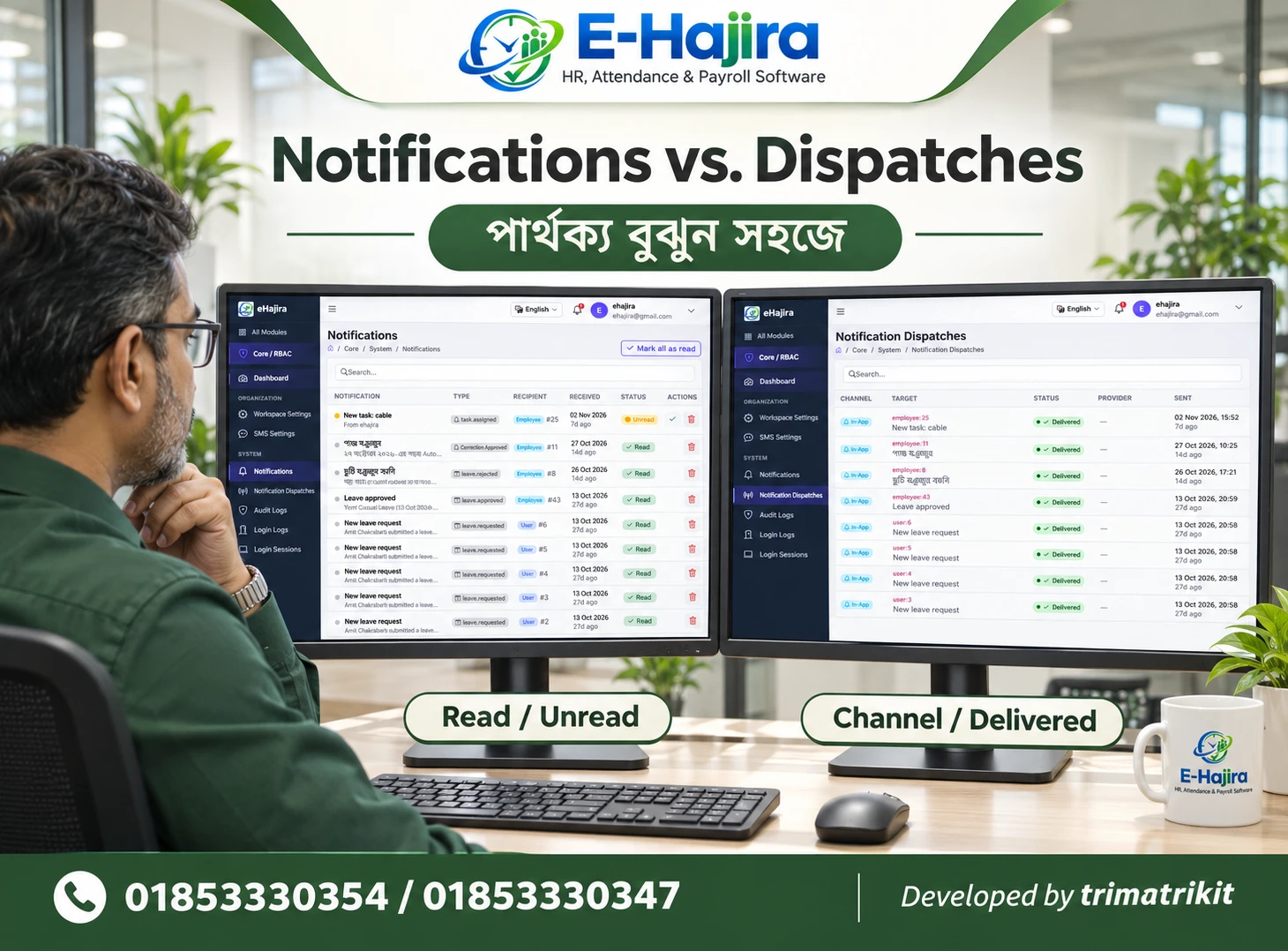
Consider Employee Self-Service Carefully
Self-service can be valuable when employees can access appropriate information or submit requests through a controlled process.
The relevant published package includes an employee self-service web portal. However, its exact functions and permissions should be demonstrated for the package you intend to purchase.
Ask an evaluator to use an employee account rather than an administrator account. Check which records are visible, what can be changed, and where requests go.
Confirm whether mobile-friendly web access is sufficient or whether your organization specifically requires a native application. These are different delivery methods. Notification channels, location features, and associated costs also need separate confirmation.
Examine Access Permissions and Account Changes
HR software contains information that different employees should access for different purposes.
OWASP’s authorization guidance recommends granting only the access needed for a task and periodically reviewing permissions. This is a general security principle, not evidence that eHajira has passed an OWASP assessment.
Apply that principle during evaluation. Test an employee, a supervisor, an HR administrator, and an accounts user where those roles are relevant.
Check access to exports as well as on-screen information. Ask how accounts are disabled when responsibilities change and whether important changes can be attributed to a user.
A role name alone is insufficient. The practical question is what that role can actually view, modify, approve, or remove.
Ask About Hosting, Backups, and Data Recovery
Cloud access does not answer every question about data handling.
Establish where the service is hosted, who administers it, and what happens during an interruption. Ask about available authentication controls and recovery arrangements without assuming a particular certification or technical architecture.
Backup creation and successful restoration are separate capabilities. Request clear information about backup frequency, retention, restoration responsibilities, and the process for recovering from an accidental change.
The organization should also understand its exit options. Confirm which employee, attendance, leave, and payroll records can be exported if the service ends. The available format and completeness matter as much as the presence of an Export button.
Understand Bangladesh-Specific Fit Without Assuming Compliance
Local suitability involves more than displaying amounts in taka.
Your organization may need Bengali and English names, locally used date formats, different weekly schedules, and accessible support. Test these requirements directly using fictional examples.
Where legal or statutory requirements affect attendance or payroll, obtain current advice appropriate to the organization and confirm how the approved rules are implemented. A marketing statement about compliance should not replace that process.
This article does not prescribe salary deductions, overtime rates, or statutory calculations. Those decisions require the applicable rules and qualified review. Software should implement the verified requirements rather than determine them through unexplained defaults.
Compare Total Cost and Implementation Responsibilities
A purchasing decision should account for the complete service, not just a subscription amount.
Clarify configuration, device integration, data migration, training, renewal, support, and any additional charges. If employee numbers or locations increase, understand how the commercial arrangement changes.
Use a written proposal to connect each requirement with the included service. A capability shown during a demonstration may require a different package or additional work.
Training responsibilities should also be explicit. Identify who will maintain records, investigate attendance, approve leave, and review payroll. An implementation is incomplete if users can log in but cannot perform their assigned work confidently.
Run a Pilot and Measure Practical Results
A pilot gives the organization evidence that a proposed setup works under its conditions.
Start with a manageable employee group and fictional or appropriately controlled test information. Include ordinary attendance, a missing punch, a leave request, an organizational change, and a sample payroll reconciliation.
Record how long routine tasks take and how often corrections are required. Compare equivalent work before and after the pilot rather than claiming a guaranteed percentage improvement.
Before wider rollout, agree on unresolved issues and responsibilities. A successful pilot should establish dependable records, understandable calculations, and a process the team can sustain.
Frequently Asked Questions
1. Is eHajira the best HR software in Bangladesh?
That depends on your organization’s requirements and evaluation results. This guide does not establish an independent national ranking. Assess the proposed package against your essential workflows, verified calculations, support needs, and total cost.
2. What does eHajira cover?
Published information describes HR, attendance, leave, and payroll functions, with package-dependent capabilities. The supplied screenshots show several relevant administrative interfaces. Confirm your exact scope in a written proposal rather than assuming every advertised function is included.
3. Can small businesses evaluate eHajira?
Yes. The published catalogue includes different employee ranges. A smaller organization should focus on the processes it actually needs and the resources required to maintain them. More modules do not automatically produce better value.
4. Does eHajira replace every HR spreadsheet?
That cannot be assumed. Determine which records and outputs the implementation covers. Some specialized processes may require another approved system. Evaluate the complete workflow before deciding which existing files can be retired.
5. Will my current biometric device work?
Compatibility requires confirmation of the exact model and connection method. Test a sample punch through to the daily record. A general reference to biometric integration does not establish universal device support.
6. Is a punch the same as attendance?
No. A punch records an event, while attendance interpretation can depend on schedules and configured rules. Investigate the underlying data when a daily result appears incomplete or unexpected.
7. Can staff enter attendance manually?
The supplied Attendance Register shows controls for setting attendance states. Confirm availability, permissions, and saved results in your setup. Also verify whether manual entries include times or only a status.
8. What should I check before a bulk attendance action?
Confirm the date, employee set, action scope, and exceptions. Test how filtered lists are handled. Review the saved result before relying on the change for reporting or payroll preparation.
9. Does Present mean a full working day?
Not necessarily. Review the applicable times, schedule, and rules. A status label alone should not be treated as proof of completed hours or final payroll entitlement.
10. Can eHajira handle night shifts?
Relevant scheduling support should be demonstrated in your proposed configuration. Test a shift crossing midnight and inspect its assigned workday, punches, and daily result. Do not rely only on a shift name.
11. Will approved leave update attendance automatically?
Confirm the behavior using a complete example. Approval, balance updates, attendance classification, and payroll treatment may involve distinct rules. A visible leave module does not establish every connection.
12. How should payroll accuracy be tested?
Use fictional salary examples with independently reviewed expected results. Reconcile ordinary processing and representative adjustments. Ask the supplier to explain any difference before approving production use.
13. Does a payslip prove salary payment?
No. A payslip records calculated payment information. Actual disbursement is a separate process. Confirm any required bank integration or payment confirmation capability independently.
14. Are recruitment and performance reviews included?
Do not infer those functions from the general HR label. They were not established by the evidence used here. If required, request a specific demonstration and include the agreed scope in writing.
15. Can employees use self-service?
A published package includes a self-service web portal. Test its actual functions using an employee account. Availability, editing rights, request routing, and mobile access should match the selected package.
16. Can managers view only their teams?
This requires a permissions test. Use accounts with different responsibilities and inspect both screens and exports. Confirm that organizational changes update access appropriately.
17. Does cloud hosting guarantee offline operation?
No. Ask what remains usable during an interruption. Device-side storage and later synchronization are separate from offline software access. Your fallback process should reflect the verified capabilities.
18. Are backups enough to protect records?
Backups are useful only when their scope and restoration process are understood. Confirm retention, recovery responsibilities, and restoration procedures. Also maintain appropriate access controls and administrative practices.
19. Can historical department information change after a transfer?
That depends on how history is stored and reports are generated. Demonstrate a fictional transfer and inspect earlier reports. Establish the expected historical behavior before implementation.
20. What determines the total cost?
Employee limits, modules, configuration, integration, migration, training, support, and renewal terms may affect cost. Obtain a current written quotation and clarify how future growth changes charges.
21. How long does implementation take?
There is no reliable universal duration. Data quality, organizational complexity, integrations, and training affect the work. Agree on milestones and acceptance criteria after the supplier understands your requirements.
22. What is the strongest basis for choosing eHajira?
A demonstrated fit with your essential workflows, reconciled results, clear permissions, sustainable administration, and a written service scope. These provide stronger purchasing evidence than a broad claim of being the best.
Evaluate eHajira Around Your Real HR Work
The search for the best HR software in Bangladesh becomes more useful when it leads to specific evidence. Your team should be able to find an employee, explain an attendance result, follow an approval, reconcile payroll, and retrieve an appropriate report.
Use your own operational requirements to shape the demonstration. Confirm what is included, test exceptions, and document the responsibilities needed to keep the system reliable.
For an eHajira demonstration tailored to your organization, contact 01853330354 / 01853330347
Recent Post