EAS Security
 EAS Gate
 Security Tag
 EAS Accessories
 Gadgets
 Convex Mirror
 Road Barrier
 Burglar Alarm
 Calling System
From School to Home: An eBiddyaPro Guide to Sharing Examination Results
November 04, 2026

From School to Home: An eBiddyaPro Guide to Sharing Examination Results
Examination results become useful when families can find the correct report, understand what it means, and discuss what their child needs next. A total score or letter grade may answer the immediate question of performance, but it rarely explains the whole picture. Parents may need to know whether an assessment component is missing, how the school calculated the grade, or which subject requires more support. Schools need a reliable way to answer those questions without circulating incomplete or outdated records.
For schools in Bangladesh, eBiddyaPro can form part of a coordinated process connecting student records, examination settings, marks, academic documents, and guardian information. Trimatrik’s published guide discusses these areas and recommends testing the complete result workflow before implementation. It also distinguishes guardian communication, portals, SMS, and mobile applications as capabilities to verify separately. This article explains how to prepare results for sharing, check guardian access where available, and help families use report cards constructively.
What Does Sharing Examination Results Involve?
Result sharing begins before a report card reaches a parent. The school must identify the correct student, examination, academic session, class, and section. Teachers must complete the relevant marks, authorized staff must review the calculations, and the school must decide when the result is ready for release. The delivery channel then needs to reach the correct guardian.
Consider a Class Seven student whose written Mathematics mark has been entered while a practical or class assessment component remains unrecorded. A report generated at that point may appear complete to a parent even though the academic record is unfinished. The school should resolve the missing component or clearly identify the result as incomplete according to its assessment policy. Publishing a document should be the outcome of a review, rather than a substitute for that review.
The same principle applies to identity. A correct report sent to the wrong family is still a serious communication failure. Student identifiers and guardian relationships therefore deserve the same attention as totals and grades.
Use the Assessment Rules That Apply to the Institution
Bangladesh schools should configure results according to the assessment requirements applicable to their institution, grade, and academic year. The Directorate of Secondary and Higher Education has published notices covering subject structures, allocated marks, question patterns, and assessment guidance for specified secondary grades. These references demonstrate why schools need to verify the applicable instructions rather than carry forward an old grading setup without review.
A school’s academic lead should approve how assessment components contribute to the final result. If class tests, written examinations, or practical work are combined, document the weighting and any separate pass requirements. Verify rounding rules, subject treatment, and what happens when a student is absent or a mark is missing. An absent assessment, an unentered mark, and a score of zero represent different situations.
An internal term report should also be identified clearly. Parents should be able to distinguish the school’s assessment from a public examination result issued by an education board. Clear examination names and academic session labels reduce confusion when families keep several documents over time.
Prepare Student and Guardian Records in eBiddyaPro
Start with the student record associated with the examination. Confirm the student’s name, unique identifier, class, section, and session. A roll number helps staff locate a student within a particular class, but it may change after promotion or reassignment. Use the institution’s stable student identifier when connecting academic history across sessions.
Review the guardian relationship before release. A mobile number alone does not establish who should receive a child’s academic information. The school should follow its authorized guardian records and account for approved changes in contact details. Where siblings attend the same school, verify which children are associated with the guardian’s account or communication record.
If guardian access is part of the school’s eBiddyaPro deployment, test it from an appropriate guardian account. An administrator’s ability to view a report does not establish what a parent can see. Confirm that the account opens the intended child’s released result and cannot access unrelated students through searches, links, or document addresses. Where portal access is unavailable, the same identity checks apply to printed reports or direct delivery.
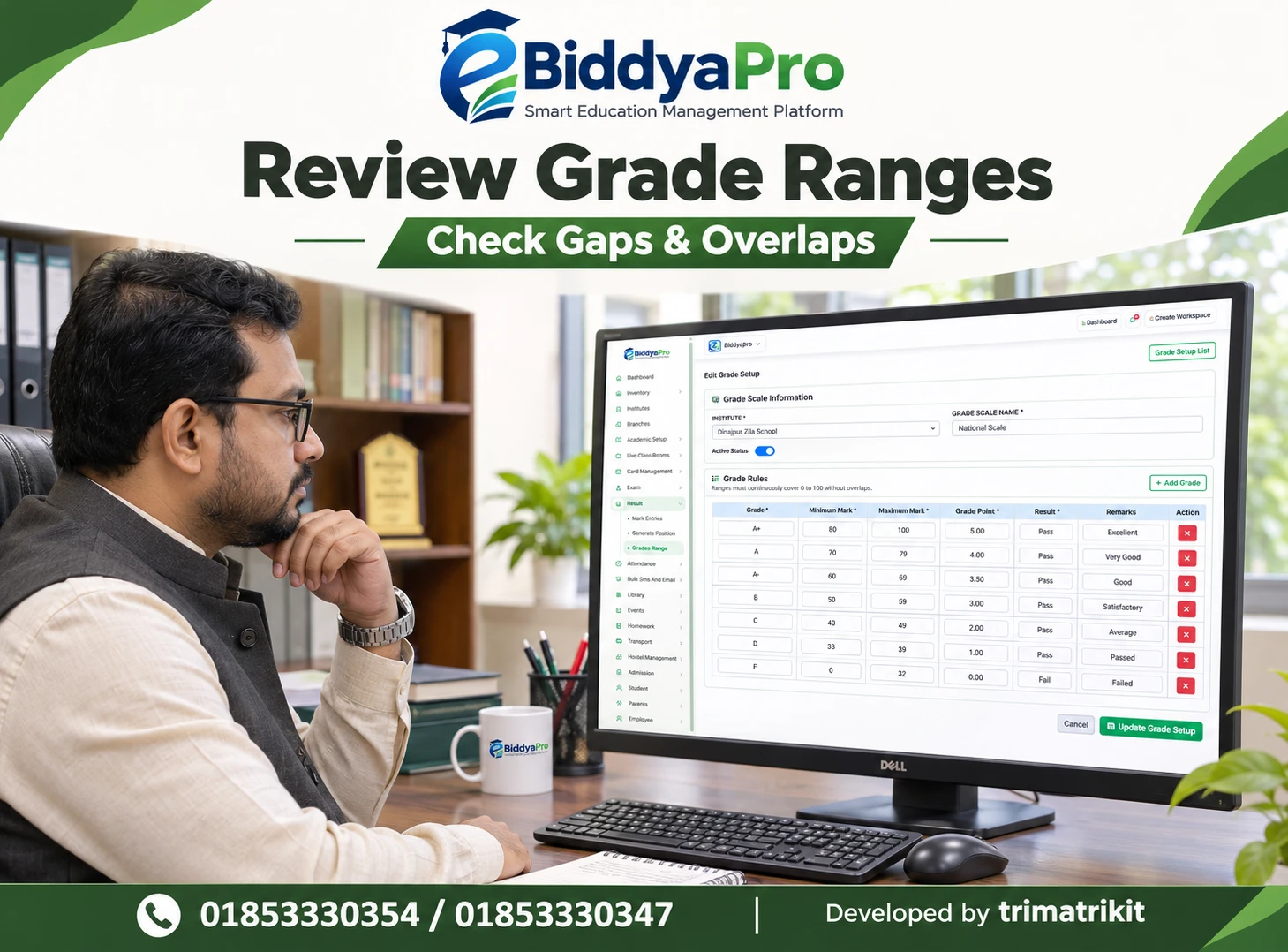
Review Marks Before Producing the Report Card
A practical review begins with one representative student and then extends to the class. Compare entered marks with approved source records, inspect the totals, and check the resulting grade. Include cases that test the rules, such as a boundary score, an absence, a missing component, or an optional subject where applicable.
For example, if a school rounds a calculated total before applying a grade boundary, that sequence may produce a different result from grading the unrounded total. The academic team needs to approve the intended method before staff compare report cards. Software calculations should be tested against worked examples that the school has independently verified.
Assign responsibility for corrections. A teacher may identify an entry error, while an examination coordinator reviews the supporting record and authorizes the change. If your eBiddyaPro workspace includes suitable review controls, use them. Otherwise, maintain an approved review record alongside the result process. Staff should know who can release a result and how unresolved cases are handled.
Make the Report Card Understandable to Families
A report card should help a guardian identify the student, the examination, and the meaning of the displayed results. Check the document layout for student identity, academic session, subject names, maximum marks, obtained marks, and grading explanations where relevant. Include only fields supported by the chosen document and required by the school.
The grading explanation matters because a number without context can be misleading. A score of 40 means something different when the maximum is 50 rather than 100. If separate components appear, explain how they contribute to the total. If the report uses an absence or incomplete code, define it in language parents can understand.
Teacher comments should identify an achievable next step. “Needs improvement” gives a family little direction. A comment such as “Practise explaining the steps in fraction calculations and review two worked examples each week” is more actionable when it reflects the teacher’s assessment. Avoid automatically interpreting every lower mark as a lack of effort.
Publish Through a Verified Access or Delivery Channel
Agree on a release date and identify which examination and classes it covers. Check whether your eBiddyaPro setup supports separate release states, document generation, guardian viewing, or other controls required by the school. Do not assume that generating a report automatically publishes it to parents, or that publication sends a notification.
Where a guardian portal is available, provide simple instructions based on the actual interface. These might explain how to sign in, select the relevant child, and locate the released examination. Test the instructions with someone who did not configure the system. If they cannot follow them without assistance, revise the wording before sending it to all families.
Where reports are shared through another approved channel, confirm the recipient before delivery. A notification can tell a parent that results are ready and explain how to obtain the report. It need not expose detailed marks in a message that could appear on a shared phone’s lock screen. Verify SMS, email, or application delivery separately if the institution intends to use those services.
Plan for Families Who Need Additional Help
A Bangladesh school may serve parents with different levels of digital confidence, device access, and language preference. Find out which families need assistance rather than assuming that one online route will work for everyone. An office collection option, a scheduled support period, or a printed copy can provide a practical alternative where appropriate.
Keep the process discreet. Parents should not need to disclose account details in a public group to ask for help. Staff assisting with account recovery should verify the requester through the school’s approved procedure. If a contact number has changed, update it through an authorized process instead of sending a child’s report to an unverified replacement number.
For schools operating several branches, use consistent examination labels and delivery instructions while identifying the correct branch contact. A parent should know whom to approach about access problems and whom to contact about marks. Separating those questions helps the office resolve technical issues without attempting to interpret academic decisions.
Turn Results into a School–Home Conversation
Research-informed guidance from the Education Endowment Foundation describes parental engagement as schools working with parents to support children’s learning. It also notes that effective approaches require deliberate planning and that evidence for particular strategies is mixed. Sharing a report card can support that relationship, but the document alone does not establish improved learning outcomes.
Encourage parents to review the report with the child and bring specific questions to the teacher. A family might ask whether a lower English score reflects comprehension, written expression, or an incomplete assessment. The teacher can then recommend a focused activity and a time to review progress.
Use comparisons carefully. Scores from two examinations may reflect different content, maximum marks, or difficulty. A higher percentage does not automatically prove improvement, just as a lower percentage does not establish decline. Teachers can interpret the result alongside classroom work and explain what evidence supports the next learning goal.
Handle Queries and Corrected Reports Transparently
Tell families how to raise a result query and what information to provide. A useful request identifies the student, examination, subject, and issue. Parents should not have to circulate the whole class’s marks to ask about one entry. The school can acknowledge the query and explain when it expects to respond.
If a correction is approved, preserve the original record and the reason for the change through the available system controls or an authorized supporting record. Clearly identify the corrected report and notify the affected guardian through the approved channel. Check whether an earlier downloaded or printed copy needs replacing.
Review the release process after the examination cycle. Track incomplete reports found before publication, access requests, incorrect guardian links, and corrections after release. These measures help the school improve the process without treating the volume of downloaded report cards as evidence that every family understood the result.
Frequently Asked Questions
1. What is the purpose of sharing examination results through eBiddyaPro?
The purpose is to connect the correct student’s reviewed result with the authorized family communication process. It should help parents understand performance and discuss the next learning steps with teachers.
2. Does every eBiddyaPro plan include guardian result access?
That was not established by the materials reviewed. Confirm whether your deployment includes a guardian portal or another viewing method, and ask the provider to demonstrate result access for your selected plan.
3. Can schools produce individual report cards?
Confirm which academic documents and layouts your workspace provides. Test a complete student result and inspect the generated document before relying on it for a full examination release.
4. Is a result sheet the same as a report card?
A class result sheet often summarizes several students, while an individual report card presents one student’s results. The available document names may vary, so check their content and intended audience.
5. What should teachers verify before publication?
Teachers should check entered marks against approved records and resolve missing components or unexplained discrepancies. The examination team should also verify calculations, grades, and the correct student assignment.
6. Why is the academic session important?
The same class and roll number may refer to different students in different years. The session identifies which academic record the report belongs to and helps preserve meaningful historical results.
7. How should schools treat missing marks?
Keep them distinguishable from zero and absence. Follow the approved assessment policy for incomplete results, and avoid presenting an unfinished total as a final result.
8. Can a guardian view results for more than one child?
Where the deployed access system supports linked children, test that each relationship is correct. Verify that the guardian can distinguish the children and examinations without seeing unrelated students.
9. Will publishing a result automatically send an SMS?
Do not assume so. Publication and notification are separate actions unless demonstrated otherwise. Confirm the communication service, recipient selection, delivery status, and any associated charges.
10. Should detailed marks be included in a notification?
A short availability notice may be sufficient. Consider the school’s privacy approach and whether phones are shared. Give the authorized guardian a clear route to the full report.
11. Can parents download a PDF report card?
Check the viewing and download options available to guardian accounts in your workspace. An administrator’s export option does not establish that guardians have the same capability.
12. What if a parent cannot sign in?
Use the school’s approved support and identity verification process. Check the guardian relationship and account details before changing access or sending academic information to another contact.
13. What should happen when a guardian’s phone number changes?
Verify the requested change through the authorized procedure and update the relevant records. Check whether account recovery and notifications also depend on the old number.
14. Should parents compare grades across different examinations?
They should consider the content, maximum marks, and assessment structure first. Teachers can explain whether the results are comparable and what other classroom evidence shows about progress.
15. How can a report card help a child improve?
It can identify a subject or skill for further discussion. A useful follow-up gives the child a manageable activity, appropriate support, and a later opportunity to demonstrate progress.
16. What if a parent believes a mark is incorrect?
Provide a defined query route. Ask for the student and examination details, review the approved source record, and communicate the outcome without making unsupported promises about changing the grade.
17. How should a corrected report be identified?
Make the current approved version recognizable and retain the correction reason and authorization. Tell the affected guardian whether an earlier copy should be replaced.
18. Should results be posted in a public parent group?
Individual academic information should follow the school’s authorized sharing arrangements. A general notice can announce availability, while individual reports go through a verified access or delivery route.
19. How can schools support parents without reliable digital access?
Offer an appropriate alternative, such as verified office collection or a printed report. Record how the family will receive the result so digital access does not become a barrier to communication.
20. What should a school test before its first release?
Test a normal result, a missing component, a grade boundary, a corrected mark, and guardian access for linked children. Verify the final document and notification route separately.
21. How can school leaders evaluate the process?
Review report completeness, access problems, recipient errors, and post-release corrections. Ask whether parents understood the report and knew how to contact the teacher about learning support.
Begin with one class and one examination. Verify the student records, review the marks, inspect the report cards, and test the guardian’s actual access or delivery route. Once that sequence works, extend it to other classes. The aim is for each family to receive an accurate result, understand its limits, and leave the conversation knowing what support the child needs next.
Recent Post