EAS Security
 EAS Gate
 Security Tag
 EAS Accessories
 Gadgets
 Convex Mirror
 Road Barrier
 Burglar Alarm
 Calling System
10 Ways Education Management Software Makes Schools More Efficient
November 15, 2026

10 Ways Education Management Software Makes Schools More Efficient
A school office can be busy all day without completing work as efficiently as it should. Admission staff may enter the same student information into several files. Teachers may wait for updated class lists. Accounts officers may answer repeated questions about payments, while administrators assemble reports from records maintained by different departments.
These problems are often connected. When information is scattered, every update requires additional checking, communication, and correction. Education management software can help schools organize these activities around more consistent records and clearer responsibilities.
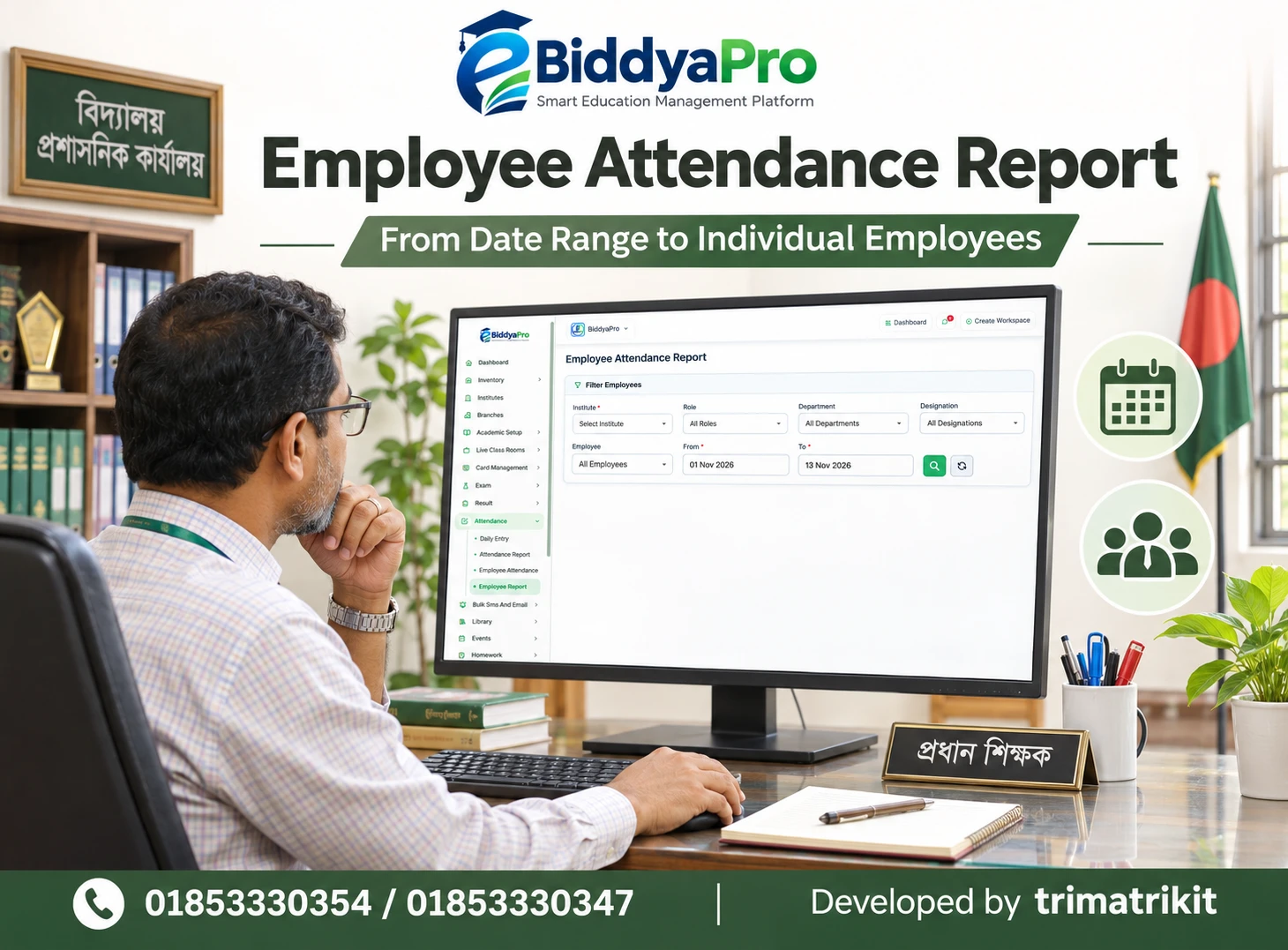
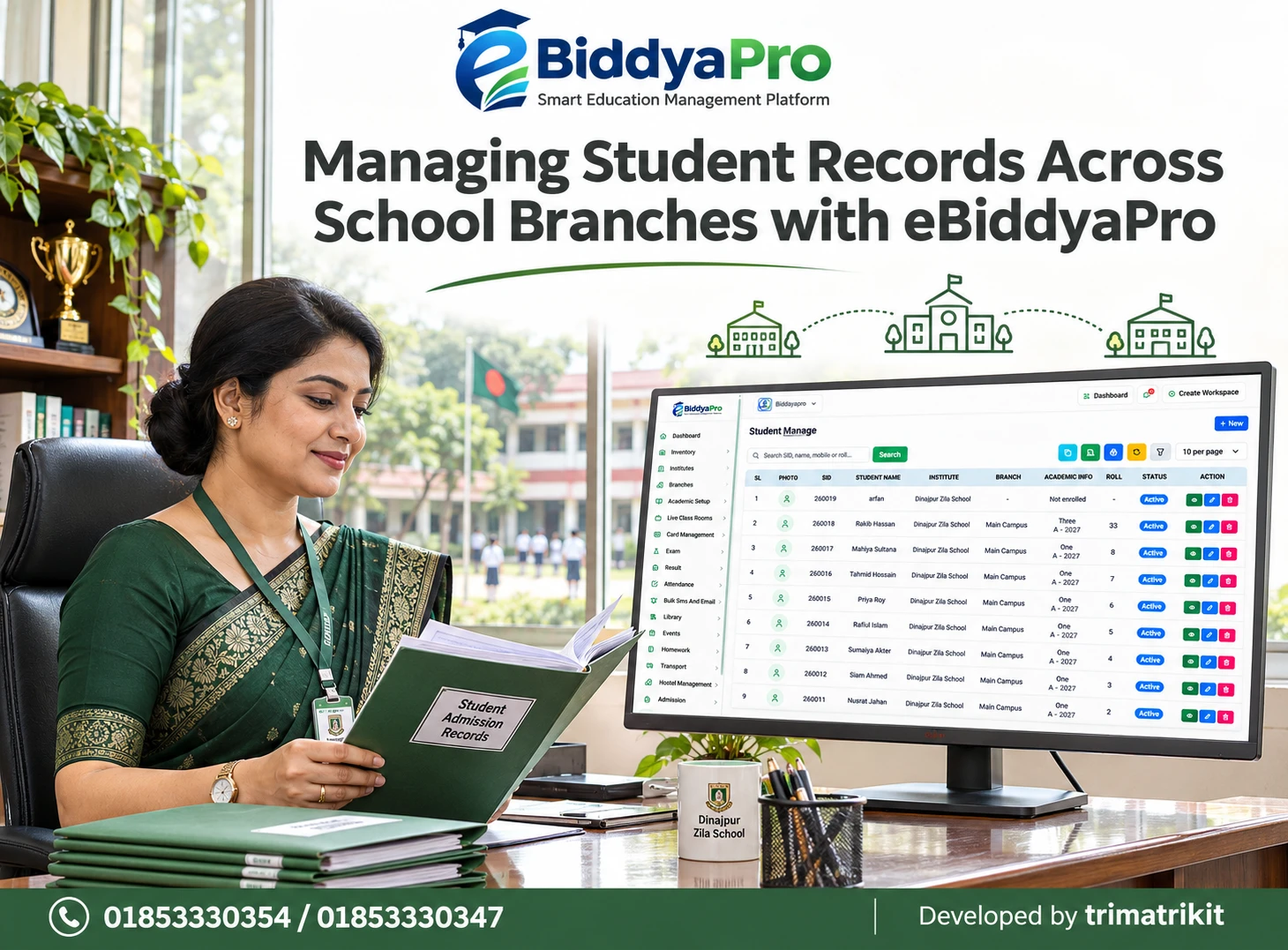
For institutions in Bangladesh, eBiddyaPro provides a relevant platform to evaluate for this transition. Its developer presents admissions, attendance, fees, examinations, results, and centralized reports as core solution areas. Schools should confirm the modules and workflows included in their proposed deployment rather than assume every capability is available in every package.
This article explains ten practical ways education management software can improve school efficiency. It also examines implementation priorities, Bangladesh-specific considerations, and the questions administrators should ask when evaluating eBiddyaPro.
What Does School Efficiency Actually Mean?
School efficiency means completing necessary work accurately, consistently, and with an appropriate use of time and resources. It includes reducing unnecessary repetition, finding information more easily, and resolving problems before they create larger administrative delays.
Efficiency should also improve the experience of teachers, students, and families. A faster process has limited value if it produces incorrect bills, excludes parents who cannot use an application, or increases teachers’ administrative workload.
UNESCO describes an education management information system as a framework for collecting, processing, and analysing educational information to support administration and decision-making. This supports the broader principle behind organized school data, although a school-level commercial platform should not be confused with a national education information system.
The ten benefits below describe practical opportunities. Their actual impact depends on the school’s procedures, data quality, staff training, and the capabilities implemented.
1. It Reduces Repeated Student Data Entry
Student information is used throughout school administration. Admission staff need identity and guardian details. Teachers need accurate class lists. Accounts officers need to identify the correct student when recording fees. Examination teams need dependable names and academic assignments.
When each department maintains an independent file, the same information may be typed repeatedly. Differences in spelling, student identifiers, or class assignments can then create additional work.
A connected record structure can reduce this duplication. The school can establish an approved student record and use it across supported activities, with clear responsibility for updates.
For example, correcting a guardian’s contact number should follow a defined process instead of relying on several employees to update separate notebooks. During an eBiddyaPro demonstration, administrators should test where an approved change becomes visible and which records remain separate.
The efficiency gain comes from fewer unnecessary entries and fewer discrepancies to investigate. It still depends on accurate original information and careful migration.
2. It Makes Admissions More Organized
Admissions involve more than collecting names. Staff must review information, identify incomplete applications, confirm admission decisions, and place admitted students into the appropriate academic structure.
Without a consistent process, staff may struggle to distinguish an enquiry from an application or an approved admission from a completed enrollment. Families may also receive conflicting instructions.
Education management software can provide a clearer structure for handling admission information. Where supported, staff can retrieve records using a consistent identifier and follow the institution’s defined stages.
A Bangladesh school should demonstrate its actual admission requirements, including the information it collects and the documents it needs. If online applications or a public admission page are required, these should be confirmed separately.
Schools should also examine the transition after admission. A student appearing in a directory does not necessarily establish that the correct class, session, section, or fee assignment has been completed. Testing the full journey prevents incomplete records from becoming a recurring problem.
3. It Improves Daily Attendance Administration
Attendance becomes difficult to manage when teachers submit information in different formats or when corrections are communicated informally. Administrators may spend considerable time collecting registers and reconciling inconsistent entries.
A digital attendance process can make records easier to retrieve and review. Staff can focus on missing information, repeated absence, or a discrepancy requiring clarification rather than repeatedly compiling the same material.
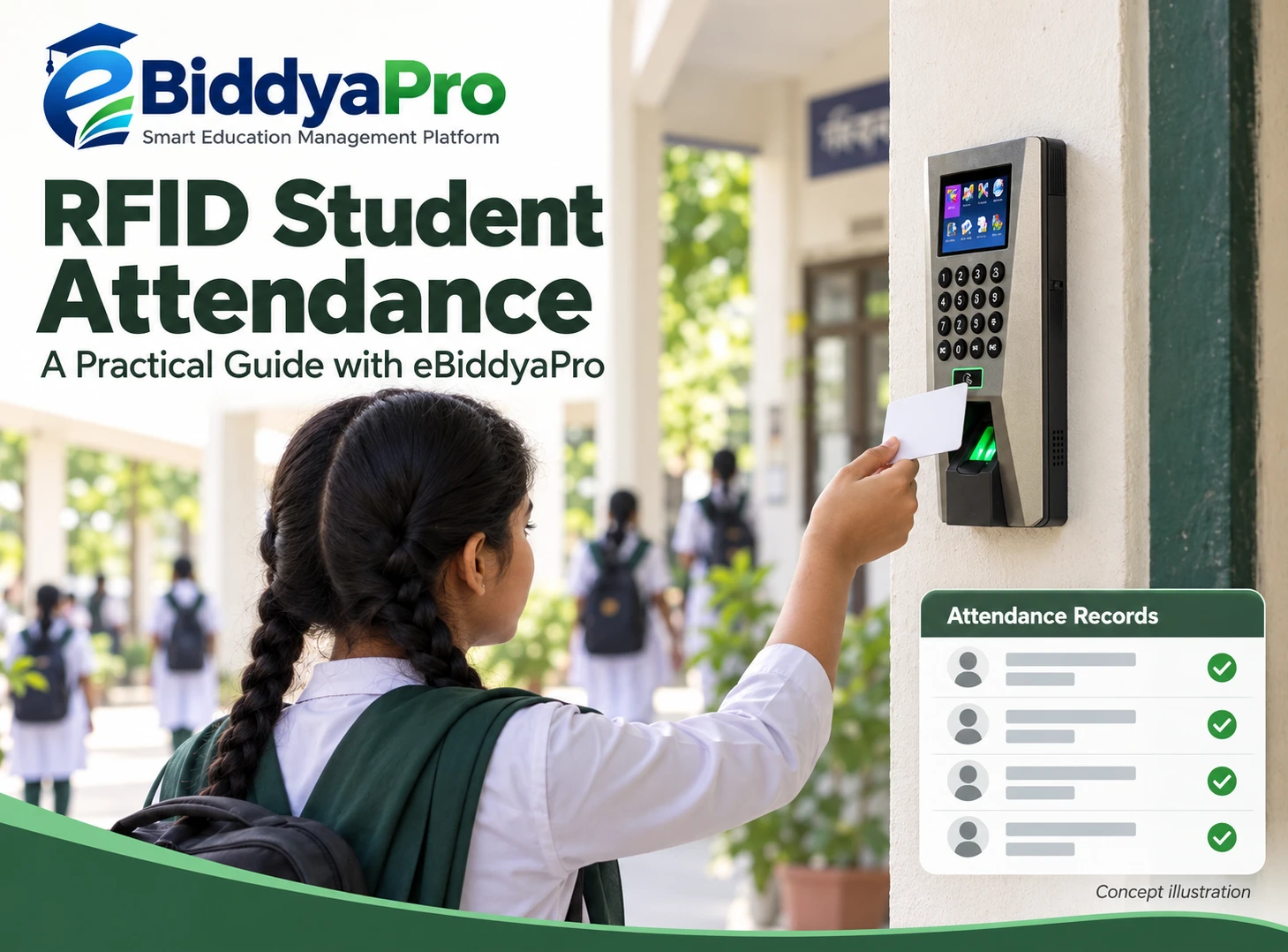
However, the collection method must suit the institution. Manual class attendance, RFID, and biometric devices are different approaches. Schools should not assume a particular device integration is included simply because attendance management is available.
Accuracy also matters more than speed. A missing record should be investigated before it is interpreted as confirmed absence.
In eBiddyaPro, the school should demonstrate attendance entry, correction, and reporting using representative classes. If guardian notifications are required, the institution should test the communication channel and confirm any associated costs separately.
4. It Brings More Clarity to Fee Records
Fee administration becomes inefficient when staff cannot clearly distinguish an assigned charge, a payment received, an approved adjustment, and an outstanding balance.
Education management software can help organize these records so accounts officers spend less time searching for the basis of a balance. A consistent student identifier also reduces the risk of recording a payment against the wrong account.
For Bangladesh institutions, the demonstration should reflect actual practices. These may include monthly tuition, admission charges, examination fees, transport charges, concessions, or partial payments.
The school should trace a sample transaction from the assigned amount to the receipt and resulting balance. It should also test corrections and cancellations where these are needed.
A fee category alone does not create a complete collection process. Similarly, recording payment information does not establish that an online payment gateway or bank reconciliation service is included. Each required connection should be demonstrated.
Clear records support faster answers to families and more dependable internal review.
5. It Simplifies Examination and Result Preparation
Examination administration depends on several connected settings. Students must be associated with the right academic group, subjects must be correctly assigned, and the institution’s assessment rules must be understood.
When these settings are inconsistent, teachers and office staff may spend time correcting marksheets or recalculating results. Errors discovered after publication are especially disruptive.
A structured examination workflow can reduce repeated preparation by organizing the relevant information before marks are processed. The school can review subject assignments, assessment components, and output formats in advance.
The supplier’s eBiddyaPro guide identifies examination management as an area for evaluating exam names, subject schedules, and academic settings. It also advises institutions to test complete workflows rather than choose software solely from a feature list.
Schools should provide their own grading examples and verify the results independently. A system that produces a report quickly is useful only when the calculations and presentation match the institution’s approved requirements.
6. It Helps Coordinate Sessions, Classes, and Subjects
Academic setup affects many later activities. An incorrect session or subject assignment can influence attendance lists, homework, examinations, and reporting.
Organizing this structure before the academic year begins can reduce confusion throughout the term. Administrators should agree on names and definitions so staff use the same terminology.
This is particularly relevant when a Bangladesh institution operates several academic arrangements. Bangla medium and English version, different shifts, or separate campuses may require distinctions that must be represented correctly.
Schools should demonstrate these arrangements in eBiddyaPro instead of assuming one field can represent every academic difference. A branch, section, shift, and education version are not interchangeable concepts.
New-session preparation should also preserve historical meaning. Staff need to understand whether changing a configuration affects only future work or also changes how older records appear. A small test before the new session can prevent widespread corrections later.
7. It Makes Homework Administration More Consistent
Homework administration becomes inefficient when instructions are scattered across notebooks, personal messages, and verbal reminders. Teachers may repeat instructions, while students or families may be unsure which task applies to them.
A structured homework process can bring the title, subject, academic group, issue date, submission date, and instructions together. This makes assignments easier to interpret and reduces avoidable clarification.
The eBiddyaPro Add Homework interface supplied for this discussion includes fields for institute, academic session, class, section, subject, title, dates, written instructions, and an attachment. These visible fields provide a practical basis for reviewing assignment creation.
Creation is only one part of the process. The school must also establish how intended recipients access the work and what happens when an instruction changes.
Student uploads, automatic grading, plagiarism detection, and submission reminders should be confirmed separately if required. They should not be inferred from the presence of a homework form.
8. It Supports Clearer Parent–School Communication
Schools answer recurring questions about schedules, attendance, examinations, assignments, and fees. When staff provide information from inconsistent records, families may receive different answers to the same question.
Organized student and guardian information can support more reliable communication. Staff can verify the relevant student, academic group, and contact details before sharing an update.
The eBiddyaPro supplier guide describes guardian information linked to students and recommends separately confirming communication channels, message charges, and delivery reporting. A parent portal, SMS service, and mobile application should therefore be evaluated individually.
Efficiency also requires a response process. Sending a notice does not answer a parent’s question or confirm understanding.
Schools should establish who handles academic concerns, financial queries, and urgent matters. Families with limited digital access should have an appropriate alternative so administrative convenience does not exclude them.
9. It Improves Coordination Across Departments and Branches
A school’s work crosses departmental boundaries. Admissions create records used by academic staff. Teachers provide information needed for results. Accounts officers maintain financial records that administrators may need to review.
A shared platform can improve coordination when each person understands their responsibilities and has access to the information needed for their work.
For multi-branch institutions, the challenge includes distinguishing local responsibility from central oversight. A branch employee may need to manage their own records, while authorized leadership may need a broader view.
The school should test this explicitly. An administrator seeing a combined report does not establish that every employee has correctly restricted access.
eBiddyaPro’s developer portfolio describes different user portal areas, including administration, teaching, student, and parent functions. Schools should verify the implemented permissions for their own deployment rather than treat those descriptions as identical access for every user.
10. It Makes Reporting and Management Review More Useful
Administrators need information that answers practical questions. Which classes have incomplete records? Which attendance patterns require attention? What balances need reconciliation? Are examination settings ready before marks entry begins?
Education management software can reduce repeated report preparation when the required information is recorded consistently and the relevant reports are available.
However, a report is only as dependable as its definitions and source records. A total may refer to students, transactions, attendance days, or another unit. Leadership must understand what the number represents before using it.
UNESCO Institute for Statistics guidance emphasizes data that is complete, relevant, accurate, timely, and accessible. Those principles offer a useful reference for school reporting, even though the guidance addresses the broader EMIS context.
For eBiddyaPro, request sample reports using the school’s own scenarios. Verify filters, date ranges, totals, and export formats before relying on them for routine management.
Applying These Benefits in Bangladesh Schools
A practical implementation should reflect how the institution actually operates. A small single-campus school may need reliable admissions, attendance, and fee records first. A larger institution may also need more detailed permissions and coordination across several teams.
Language and accessibility deserve attention. Staff should understand field names and instructions, while families should receive information through channels they can reasonably use.
UNICEF Bangladesh identifies inclusive, relevant, and accessible education as important priorities. That does not endorse a particular software product, but it reinforces the need to consider who may be excluded when schools redesign administrative processes.
Institutions should also test their actual computers, phones, printers, and internet connections. A demonstration on the provider’s device may not reveal difficulties staff encounter in daily use.
Introduce eBiddyaPro Through a Practical Pilot
Begin with a defined administrative problem. If staff repeatedly reconcile inconsistent student lists, start by cleaning records and agreeing on responsibility for updates.
Use a representative group to test the proposed workflow. Follow sample records from creation through the next relevant activity, including a correction or exception.
Staff training should focus on the work they perform. An attendance teacher needs to understand entries and corrections. An accounts officer needs to understand payment handling and reconciliation. Leadership needs to interpret reports.
After the pilot, review the difficulties and adjust instructions before expanding. Introducing every available module at once can make it harder to identify the cause of problems.
Measure Efficiency Without Inventing Savings
Schools should establish a baseline before claiming improvement. They might record how long a common enquiry takes, how often a report needs correction, or how many incomplete records remain at a defined point.
After implementation, compare the same tasks under similar conditions. Include staff feedback and the experience of families.
Avoid judging success only by login counts or the number of digital records created. A heavily used system can still produce confusion if responsibilities and data definitions are unclear.
Software should earn its place through practical improvements. Claims about guaranteed cost reductions, examination outcomes, or percentage time savings require evidence that this article does not establish.
Frequently Asked Questions
1. What is education management software?
Education management software organizes academic and administrative activities such as student information, attendance, fees, examinations, and reporting. The exact scope varies by platform and package. Schools should evaluate complete workflows rather than assume every listed module is included.
2. How can eBiddyaPro improve school efficiency?
It provides a platform to evaluate connected school administration. Potential improvements include less repeated data entry, clearer records, and easier coordination. Actual results depend on the implemented features, accurate information, staff training, and consistent procedures.
3. Is education management software only for large schools?
No. Smaller schools may also benefit when repeated administrative tasks become difficult to manage. The appropriate setup should match staff capacity, student numbers, priorities, and budget. A simpler, well-used deployment may be more useful than unnecessary complexity.
4. Can software replace school administrators?
Software can support routine work and information retrieval, but administrators still make decisions, resolve exceptions, and supervise operations. Technology changes how work is organized; it does not remove the need for responsible people.
5. Does digitizing records automatically make them accurate?
No. Incorrect information can be transferred into a digital system. Schools should clean source records, verify identifiers, and define who may make changes. Accuracy requires ongoing review rather than a one-time upload.
6. Can eBiddyaPro handle online admissions?
Schools requiring online applications should request a demonstration of that specific process. Confirm the public page, application fields, document handling, review stages, and transition into enrollment. Admission management should not automatically be interpreted as a complete public application service.
7. Is attendance hardware included with the software?
Hardware inclusion and compatibility should be confirmed separately. Ask about the exact device model, connection method, installation requirements, and associated charges. The availability of an attendance module does not establish support for every biometric or RFID device.
8. Can parents receive attendance messages?
Confirm whether the selected setup supports the required notification and communication channel. Ask about trigger rules, recipient selection, delivery reporting, and costs. A recorded attendance entry does not necessarily cause a message to be sent.
9. Can schools manage partial fee payments?
If partial payments are part of the institution’s process, include them in the demonstration. Verify the receipt, remaining balance, and any later correction. Financial workflows should be tested using realistic transactions before live operation.
10. Does fee management include online payment collection?
Not necessarily. Payment gateways, transaction charges, settlement, and reconciliation are separate requirements. Schools should demonstrate the entire payment journey and obtain written confirmation of the services included.
11. Can eBiddyaPro calculate the school’s examination results?
The institution should provide its grading rules and sample calculations for testing. Confirm assessment components, pass conditions, and report formats. Independent checking is necessary before publishing live results, particularly when introducing a new configuration.
12. Can one setup support Bangla medium and English version?
This should be demonstrated using the school’s actual structure. Confirm how academic groups and subjects remain distinct and how reports represent them. Do not assume a class or shift field automatically provides education-version management.
13. Does homework management include automatic grading?
A homework creation facility does not establish automatic grading. Student submissions, evaluation, reminders, and other capabilities should be confirmed individually. Schools should request the complete assignment journey if those functions are important.
14. Can different users have different access?
Role-based access should be evaluated in the proposed deployment. Test actual accounts for teachers, accounts staff, administrators, and other users. Access should reflect responsibility and avoid exposing unrelated personal or financial information.
15. Is the system suitable for multiple branches?
A multi-branch institution should demonstrate branch-specific records, permissions, and central reporting. Confirm which activities are shared and which remain local. An institute field alone does not prove every required branch workflow is supported.
16. Will parents need a smartphone?
That depends on the communication methods selected. Schools should provide reasonable alternatives for important information when families cannot use an application or portal. Digital administration should support participation rather than make access more difficult.
17. Can existing spreadsheet records be transferred?
Ask about supported import formats, required fields, and migration assistance. Clean the records first and verify a sample transfer before moving the full dataset. Keep an appropriate source copy until the migrated information has been checked.
18. Can schools continue working during an internet interruption?
Offline behavior differs across applications and devices. Test which tasks remain available and how delayed information is handled. If connectivity is required, define a temporary operating procedure and a controlled process for entering information afterward.
19. Does software guarantee better examination performance?
No. Administrative efficiency can support school operations, but academic outcomes depend on teaching, learning conditions, student needs, and many other factors. A software purchase should not be presented as a guaranteed improvement in marks.
20. How should a school assess implementation costs?
Request a written breakdown covering subscription, setup, migration, training, hardware, messaging, and any optional integrations. Also clarify renewal and support terms. The lowest advertised subscription may not represent the total cost of the required deployment.
21. What should a demonstration include?
Use a real administrative scenario, such as admitting a student, assigning the academic group, recording attendance, and handling a fee transaction. Include a correction and verify the resulting reports. This reveals more than viewing separate menu screens.
22. How can administrators tell whether efficiency improved?
Compare representative tasks before and after implementation. Examine completion time, correction frequency, unresolved enquiries, and staff experience. Use consistent measures and avoid claiming improvements that have not been observed.
Make Daily Work Easier Through Better Organization
Education management software can improve school efficiency when accurate records, clear responsibilities, and useful workflows come together. The most valuable improvements often begin with ordinary tasks: finding a student record, correcting attendance, explaining a balance, or preparing a dependable report.
For Bangladesh schools considering eBiddyaPro, start with the work that creates the most repeated effort. Demonstrate the required process, test it with representative records, and expand after staff can use it confidently.
To discuss your institution’s requirements, contact 01853330354 or 01853330347, or visit https://ebiddya.com/bn.
Recent Post