EAS Security
 EAS Gate
 Security Tag
 EAS Accessories
 Gadgets
 Convex Mirror
 Road Barrier
 Burglar Alarm
 Calling System
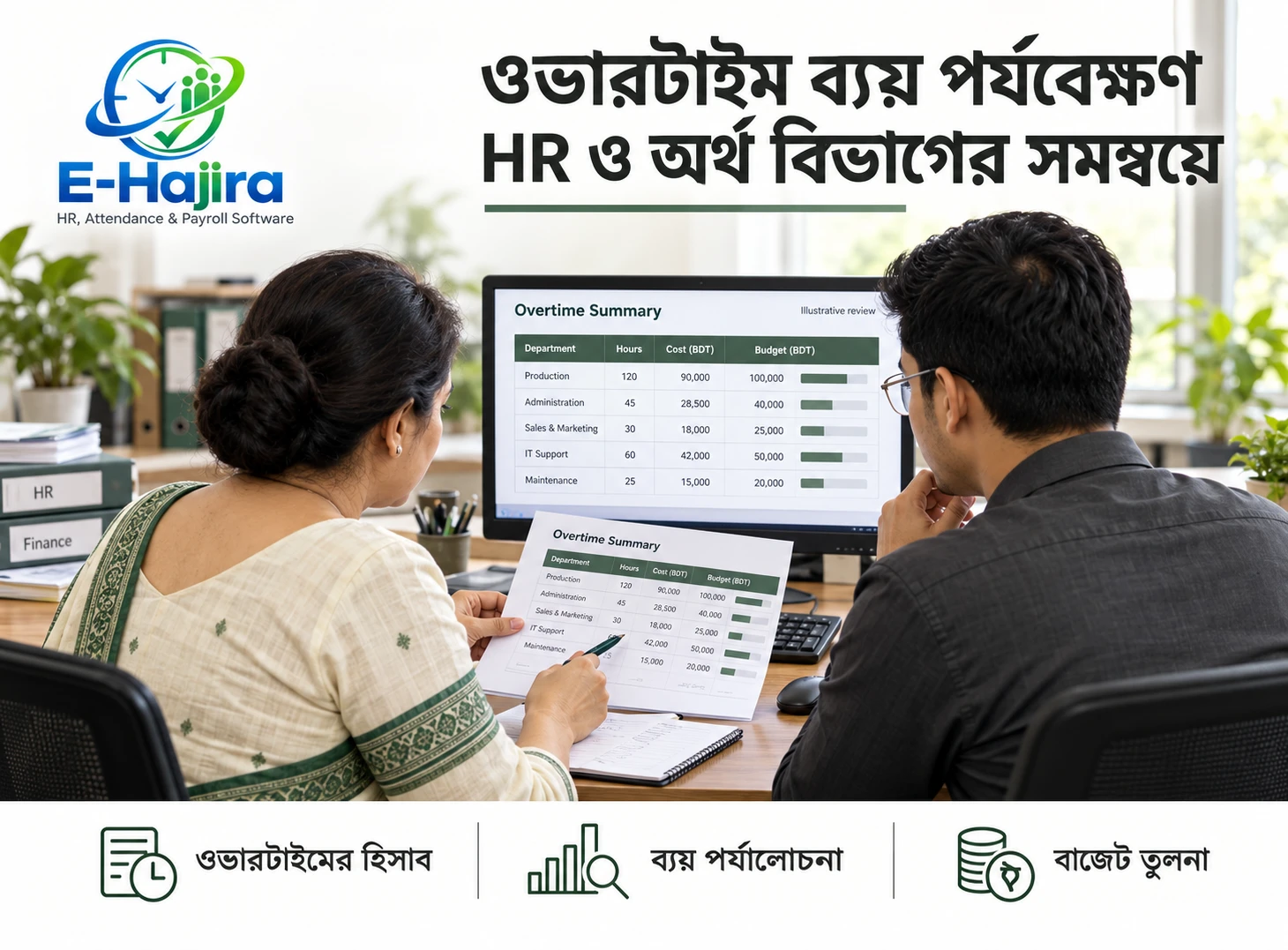
Managing Overtime Requests Across Multiple Branches with eHajira
November 03, 2026
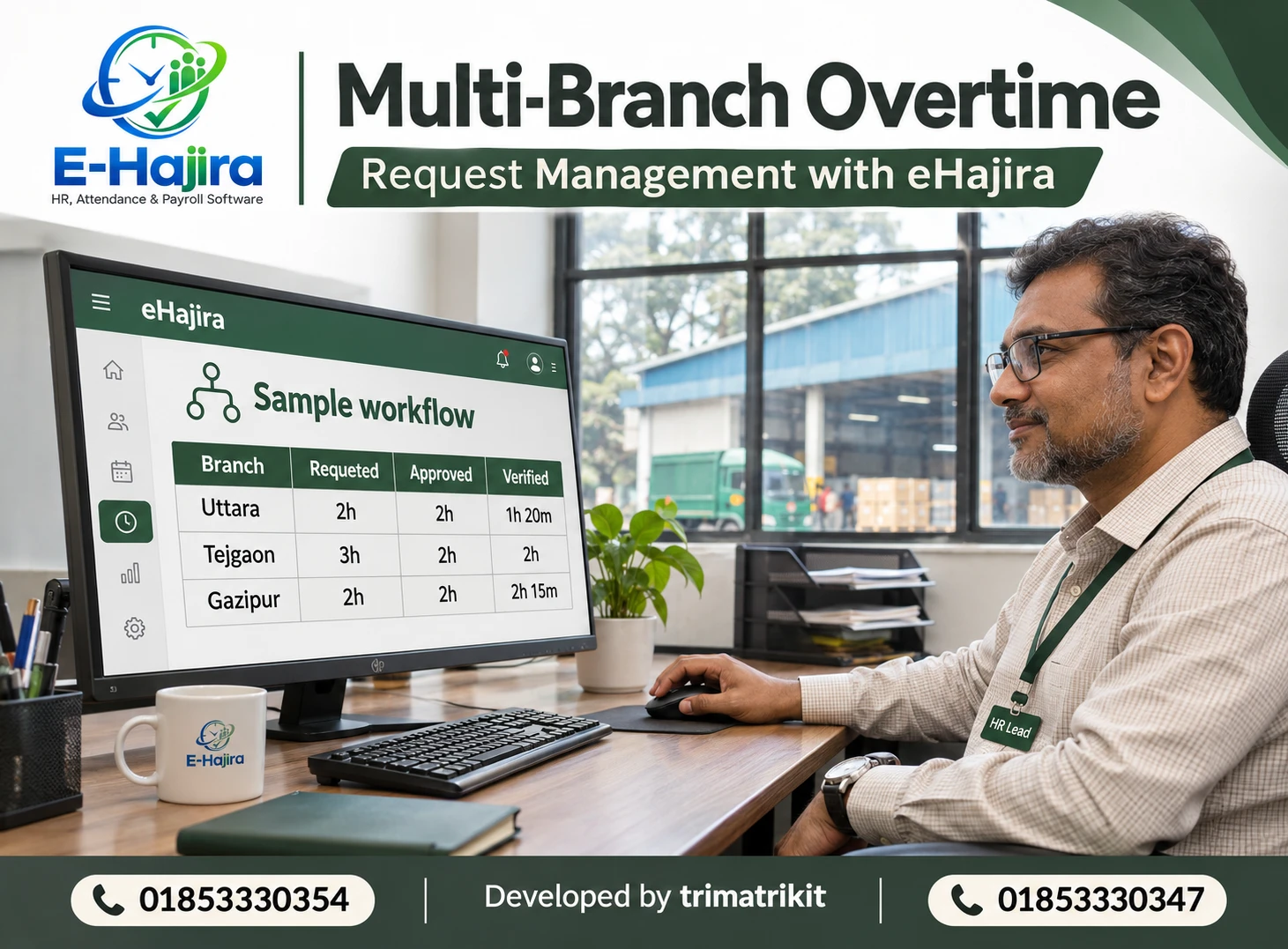
Managing Overtime Requests Across Multiple Branches with eHajira
A retail branch needs two employees to stay after closing for a stock count. A warehouse needs extra hands to unload a late shipment. A factory supervisor requests more time to finish a production run. Each request may be reasonable on its own, but when branches use different spreadsheets, messages, or approval rules, head office has to reconstruct what happened before it can check staffing costs or prepare payroll.
A reliable process keeps three figures separate: the overtime requested, the overtime approved in advance, and the overtime actually worked and verified. eHajira can support that process by providing attendance, shift, overtime calculation, and payroll tools. Selected packages also list multi-branch consolidation. The published specifications establish those capabilities, but they do not spell out every step of a dedicated overtime pre-approval workflow. Before rollout, ask for a demonstration of how requests, approvals, changes, and exceptions will be recorded in your chosen package.
What is pre-approved overtime request management?
Pre-approved overtime request management is the process of authorizing proposed extra work before it begins. A useful request identifies the employee, the location where the work will take place, the proposed start and finish times, and the operational reason. The reviewer can then decide whether the extra work is needed, who should do it, and whether the proposed hours fit the applicable working-time rules.
Approval helps plan staffing and estimate costs. The approved duration, however, does not show how long the employee actually worked. If a supervisor approves two hours and the task finishes after 75 minutes, the work record should reflect the 75 minutes. If the employee works longer than approved, the excess should be investigated and documented. An internal approval limit should not automatically erase verified work or determine whether an employee has a statutory entitlement.
Why multi-branch overtime needs a common process in Bangladesh
Multi-location employers may have office teams, retail outlets, warehouses, or production floors operating on different schedules. A closing shift in a showroom may end before a warehouse shift begins. An employee might also help at a second location during the same pay period. A single overtime calculation applied without checking the roster or work location can produce misleading results.
For Bangladesh employers, advance planning also needs to account for the applicable working-time and overtime provisions. Sections 100 and 102 of the Bangladesh Labour Act, 2006 address daily and weekly working hours for covered adult workers, subject to the conditions and exceptions in the law. Section 108 addresses the overtime allowance. For workers to whom section 108(1) applies, the law specifies twice the ordinary rate of the listed wage components, including basic wages, dearness allowance, and ad hoc or interim wages, where applicable. Section 108(2) excludes workers paid on a piece-rate basis from subsection (1). Confirm the applicable classification, sector rules, and wage basis before configuring payroll.
The practical implication is that branch approval and payroll review serve different purposes. A manager can confirm that extra work was needed. HR and payroll still need to determine which rules apply, verify the hours, and review any exception. A vendor’s description of overtime or compliance features does not establish that a particular employer’s configuration meets its obligations.
Where eHajira fits in the workflow
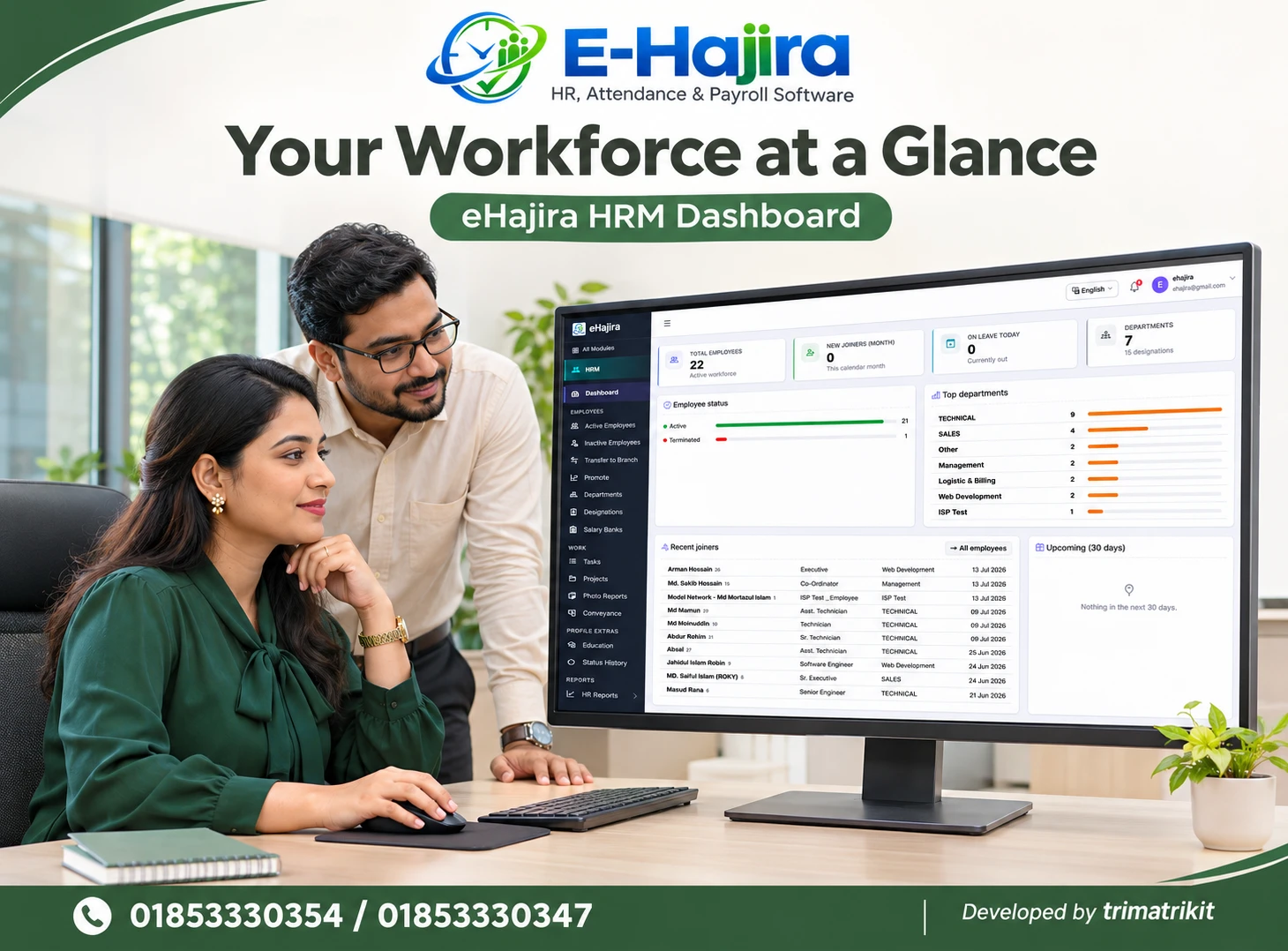
eHajira’s published RMG and manufacturing package information describes shift scheduling, attendance synchronization, overtime calculation rules, and payroll processing. Selected packages list multi-branch or multi-company consolidation. These features give HR a way to compare proposed overtime with roster and attendance records and to review the resulting figures before payroll closes. Package specifications differ, so a feature described for one plan should not be assumed to exist in every plan.
During the demo, start with a question that reflects everyday work: can a branch supervisor submit a request for a named employee, can a reviewer approve a different duration, and can payroll later see the original request alongside verified hours? Check whether the system retains the reason, decision time, and any revision. If your setup does not include a dedicated request screen, use an approved internal request channel and retain a consistent reference for matching its decision to the eHajira attendance and payroll review. Keep that link easy enough for branch teams to maintain on a busy day.
Set a common request standard for every branch
A useful overtime request should give the approver enough information to make a decision without a second conversation. For example, “Two employees needed at the Uttara outlet from 8:00 to 9:30 p.m. for the scheduled stock count” is more useful than “Please approve late work.” The full record should identify the employees and show the relevant roster, expected breaks if applicable, and who will verify that the work took place.
Give each request a consistent reference. This matters when the same worker has two assignments in one week or when the plan changes after approval. If the request is revised, retain the original decision and record what changed. Replacing a two-hour approval with a three-hour figure without explanation makes it difficult to tell whether the extra hour was approved before the work or reviewed afterward.
A common request standard does not require every branch to have the same roster or staffing arrangements. It means each branch supplies comparable information while applying the schedule and rules relevant to the people involved.
Decide who approves and who verifies
A branch supervisor is usually best placed to explain the immediate business need. A branch manager may decide whether the work can wait or whether staffing can be rearranged. Central HR can review recurring exceptions or conflicting assignments, while payroll can review the final hours and applicable payment rules. Smaller organizations may combine some roles, but ownership of each decision should still be clear.
One useful distinction is between authorization before the work and verification after it. The person authorizing a proposed stock count may not be present when the work ends. In that case, identify who can confirm the actual finish time. For an urgent request after normal office hours, define who can act if the primary approver is unavailable. If retrospective review is necessary, record it as such rather than presenting the request as though it had been approved in advance.
Reconcile approved hours with actual attendance
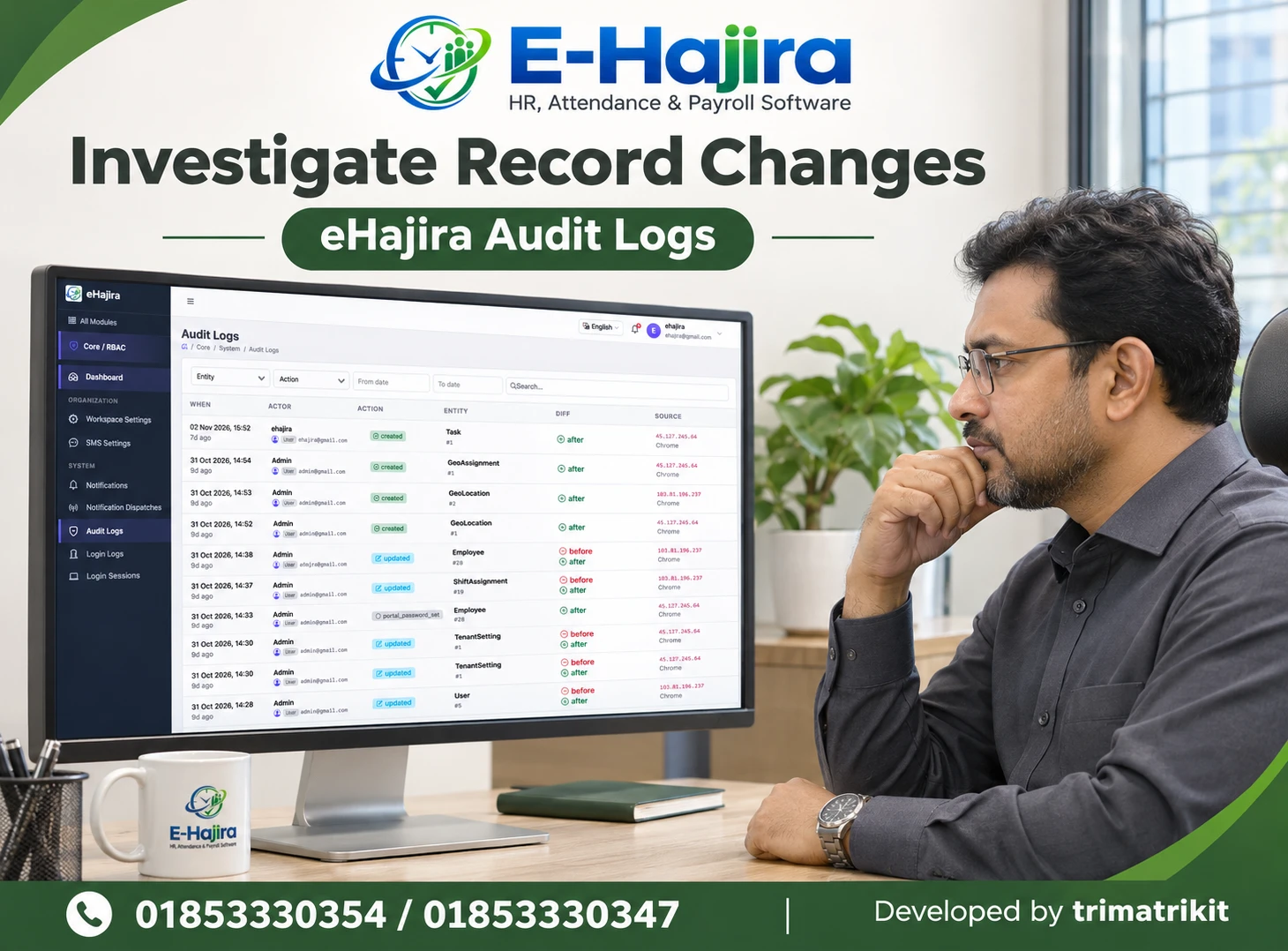
After the shift, compare the approved window with the roster and available attendance records in eHajira. A clock-out time later than the end of a shift may be useful evidence, but it does not explain by itself how much of the interval was worked. Breaks, a roster error, a forgotten punch, or time spent on the premises for another reason can change the interpretation. Ask the supervisor or other responsible reviewer to confirm what happened before finalizing a disputed entry.
Consider a hypothetical warehouse case. An employee was approved for two hours after the regular shift to help with a delivery. The delivery arrived early, and the supervisor confirmed that the employee completed 80 minutes of extra work. HR records the planned two hours and verified 80 minutes separately. If another employee worked 25 minutes beyond the approved window because a shipment had to be secured, HR reviews that difference rather than cutting the extra time to fit the original request. The aim is to explain the variance and determine the correct payroll treatment from the facts and applicable rules.
Handle cross-branch work and overnight shifts carefully
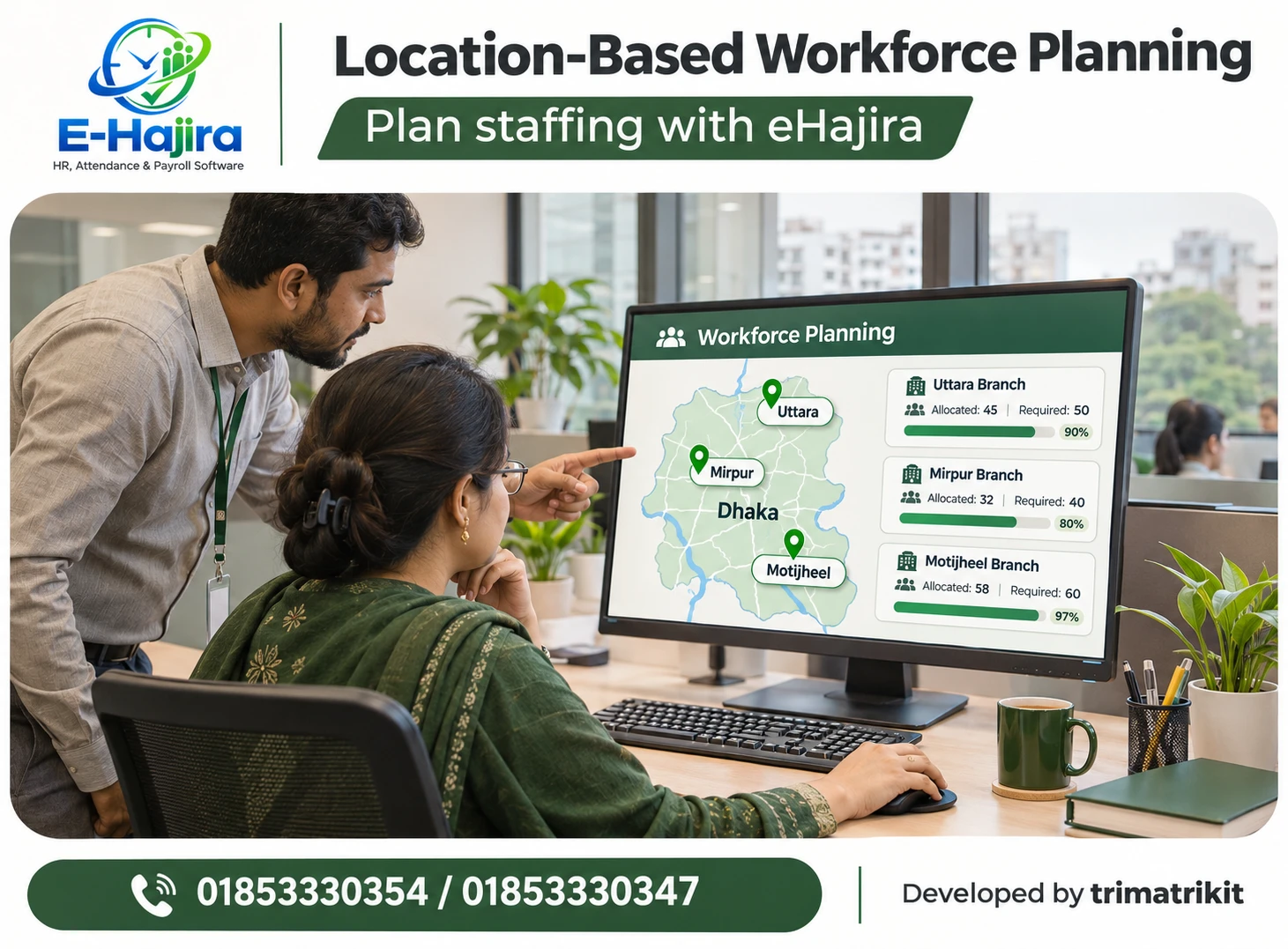
When an employee from one branch helps at another, preserve the employee’s main record and identify the location where the extra work occurred. The receiving branch can verify the work, while the home branch or central HR can check whether the employee has other assignments that affect the overall schedule. If overtime costs need to be assigned to a particular location, agree on that convention before payroll review. Test whether your package can display or report the branch information at the level you need.
Overnight work raises a different issue. A shift may begin on one date and end on the next, while the overtime request refers to the date the shift started. An incorrect date boundary can split one work period into two or make time appear against the wrong roster. Test an overnight example and a shift change in your eHajira setup. Make sure the branch and payroll teams understand which date to use when locating the request and matching the attendance evidence.
Review exceptions before the payroll cutoff
An overtime exception does not always mean an error. A request may be canceled because a task was completed during regular hours. A supervisor may ask an employee to stay unexpectedly. An attendance record may be incomplete even though the work can be verified. Treat these cases differently so that staff can explain why the original request and the final payroll entry do not match.
Set a cutoff early enough for branch teams to resolve common discrepancies. Payroll should know which entries have been verified, which have already been included in a pay run, and which need further review. For corrections after the cutoff, use a documented adjustment process and keep the original reference. That helps prevent a missing payment from being overlooked or a corrected entry from being paid twice. Decide when and how to notify the employee if a correction affects their payslip.
Pilot the process with real branch scenarios
Start with two branches that work differently, such as a showroom and a warehouse. Run sample cases through request, review, work verification, and payroll preparation. Use a normal approval, a cancellation, and a case where actual hours exceed the approved amount. If night shifts or shared staff are part of regular operations, include those cases before expanding the rollout.
Measure whether reviewers can find the right record, explain why the final hours differ from the approved hours, and identify the branch where the work took place. After the pilot, compare the time spent resolving payroll questions with the previous process. A useful measure is how many entries reach payroll without a clear reason, approval reference, or verification. If the same exception keeps recurring, fix the underlying roster, staffing plan, or request practice before adding more approval steps.
Frequently asked questions
1. What is an overtime pre-approval request?
It is a request to authorize extra work before it starts. It records the proposed employee, location, time, and business reason so a manager can make an informed staffing decision.
2. Does eHajira have a dedicated overtime request screen?
The published specifications confirm overtime rules and selected multi-branch capabilities. Ask for a demo of the exact request screen, approval actions, and record history available in your proposed package.
3. What is the difference between approved and verified overtime?
Approved overtime is the planned time authorized by a manager. Verified overtime is the extra time confirmed after work takes place. Payroll should review the verified record under the applicable rules.
4. Can eHajira support multiple branches?
Selected eHajira packages list multi-branch consolidation. Confirm how your plan handles branch permissions, employee transfers, and reporting across locations, since those details matter more than the package label alone.
5. Who should submit an overtime request?
That depends on the organization’s process. A supervisor may submit a staffing request for a team, while an individual employee may initiate a request where the employer’s workflow allows it.
6. Should a late clock-out automatically count as overtime?
A late clock-out is evidence to review. Compare it with the roster, applicable breaks, and confirmation of the work performed before treating the full interval as verified overtime.
7. What if an employee works less than the approved duration?
Record the actual verified duration and retain the original approval for comparison. The difference may simply show that the task finished earlier than planned.
8. What if actual work exceeds the approved duration?
Review why the work continued and confirm the extra time. Do not automatically discard verified hours because they exceeded the plan; assess the correct treatment under the applicable rules.
9. Can each branch follow a different shift schedule?
Branches can have different operational schedules. Define how each roster is maintained and test that the relevant shift is used when the overtime record is reviewed.
10. How should employers handle a missing attendance punch?
Follow the attendance correction process and obtain supporting confirmation. Keep the correction linked to the original request or work record so payroll can see why the final time was accepted.
11. How should an employee working at two locations be recorded?
Keep one consistent employee identity and record where each assignment occurred. Review hours across both locations to prevent duplicate records and to see the employee’s complete schedule.
12. How is overtime paid under Bangladesh labour law?
Section 108 sets the statutory allowance basis for covered cases and includes a specific piece-rate exception to subsection (1). Verify coverage, the applicable wage components, and relevant sector provisions before using a rate.
13. Does manager approval alone make overtime lawful?
No. Manager approval documents an operational decision. The employer must still consider applicable working-hour restrictions, wage rules, and any relevant exceptions.
14. How should urgent overtime be handled?
Provide a clear route for contacting an authorized reviewer. If advance approval was unavailable, record when the work occurred and when it was reviewed, without backdating the decision.
15. Should canceled requests remain in the record?
Yes, where your process allows. A canceled status explains why planned work did not go ahead and helps payroll distinguish a cancellation from an unverified or missing attendance record.
16. Can branch managers see only their own employees?
Verify the actual permissions in your eHajira setup. Test with a branch manager account as well as a central HR account before relying on branch-level visibility controls.
17. What should be checked for an overnight shift?
Check the roster, start and finish dates, breaks, and the date used for payroll reporting. A single continuous shift should remain traceable even when it crosses midnight.
18. Can overtime costs be compared by branch?
Yes, if records consistently identify the work location or agreed cost allocation. Confirm that the necessary fields and reporting options are available in your package before relying on a consolidated report.
19. What if an error is found after payroll closes?
Use the organization’s documented correction process, retain the original reference, and confirm whether the amount has already been paid. Review the corrected hours and any resulting adjustment before processing it.
20. What should a multi-branch employer test first in an eHajira demo?
Ask the provider to follow one request from advance approval through attendance review and payroll preparation. Then change the actual duration and check whether both the original decision and the reason for the difference remain easy to find.
Recent Post