EAS Security
 EAS Gate
 Security Tag
 EAS Accessories
 Gadgets
 Convex Mirror
 Road Barrier
 Burglar Alarm
 Calling System
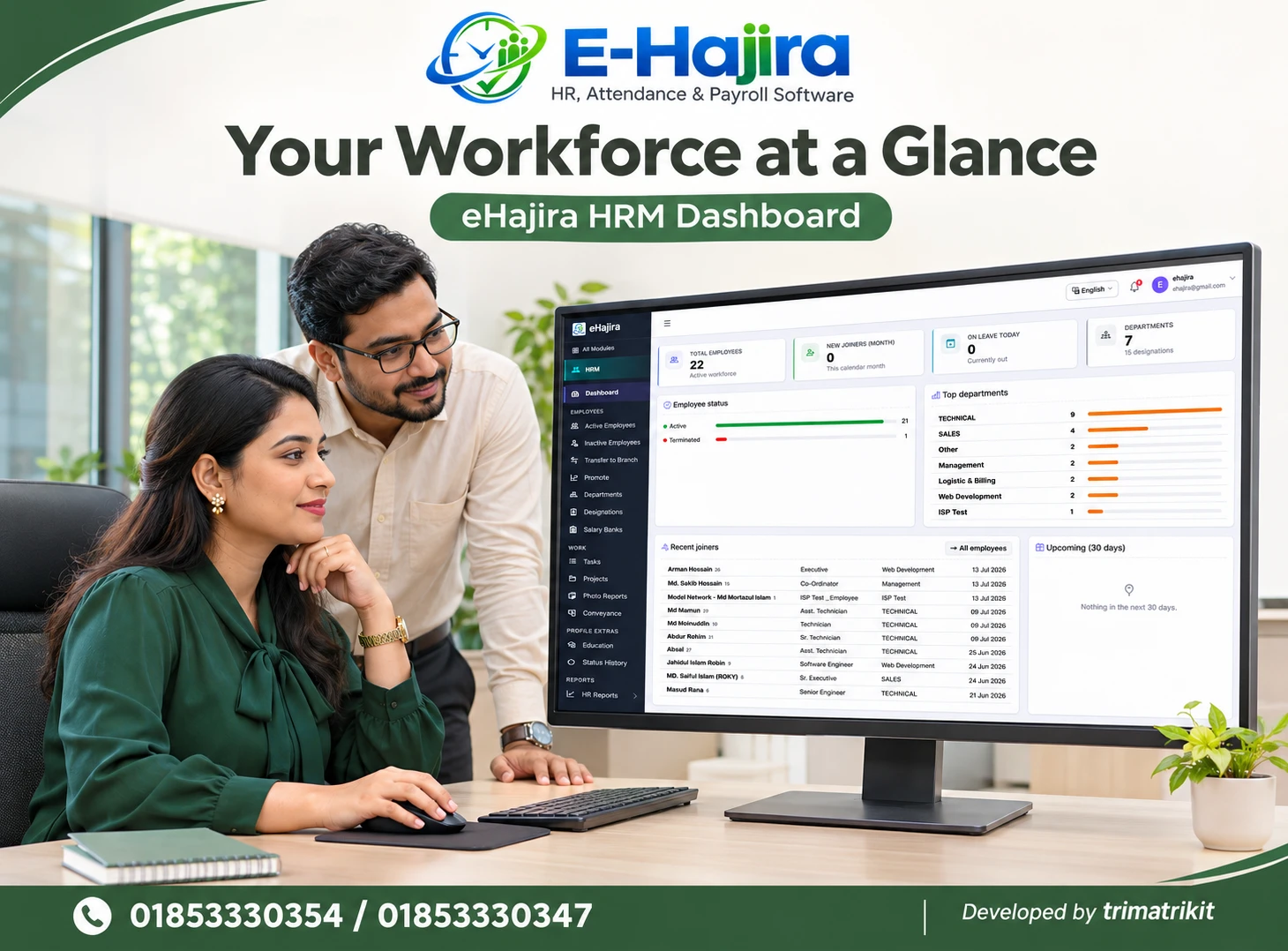
How Employees Can Review Their Attendance History with the eHajira app
October 30, 2026
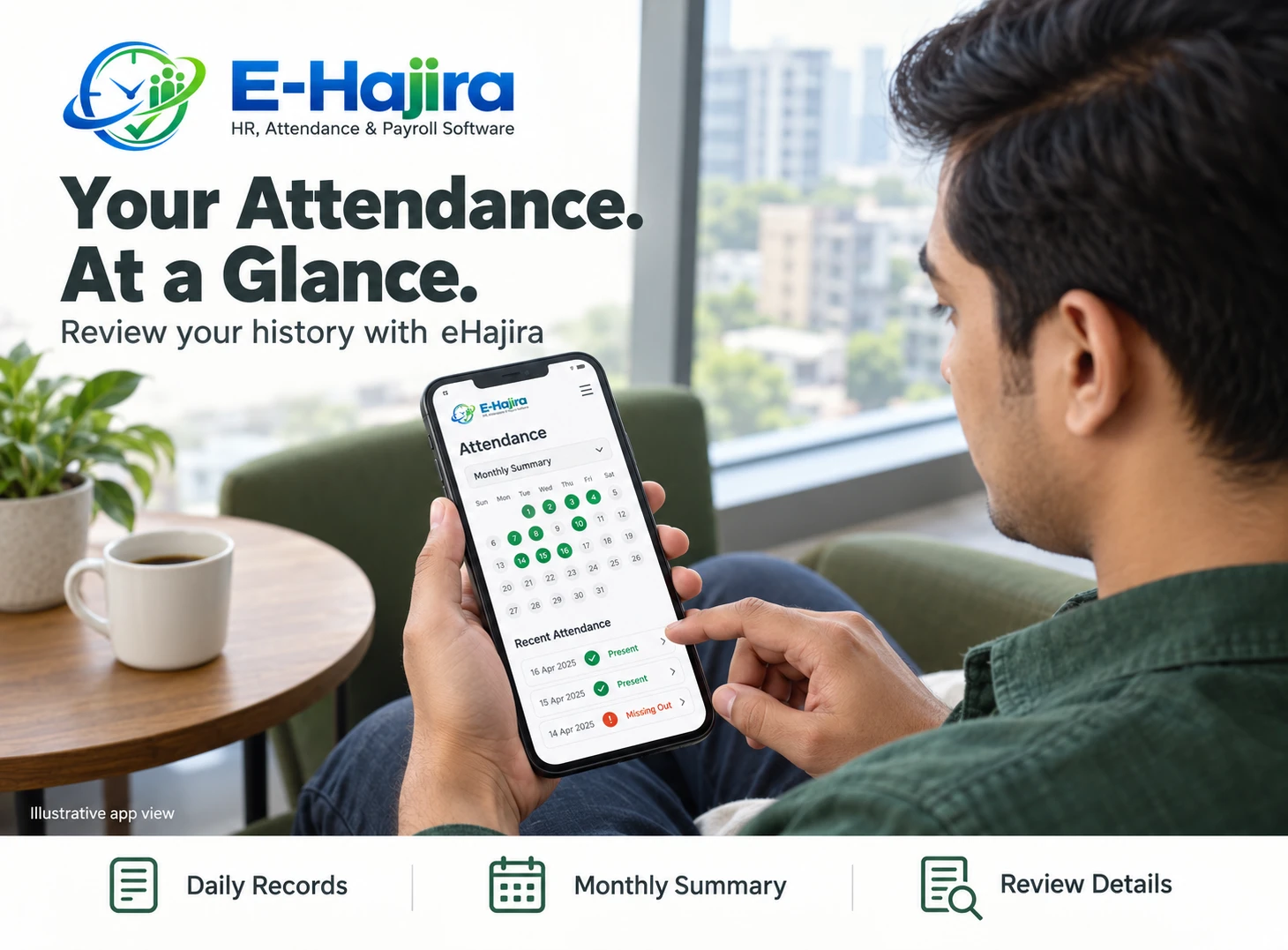
How Employees Can Review Their Attendance History with the eHajira App
Reviewing attendance should be a straightforward part of an employee’s working routine. Whether you need to confirm yesterday’s check-out, understand a late arrival entry or prepare a question about your monthly record, having access to your information makes the discussion more specific.
The eHajira app gives employees a way to stay connected with attendance information through their phones. For businesses in Bangladesh, this can support clearer communication between employees, supervisors and HR teams, especially when staff work across branches or different shifts.
This guide explains how to approach your personal attendance history, interpret a monthly summary and report discrepancies responsibly. Exact screens and available actions should be confirmed with your employer because access depends on the app version, selected services and company configuration.
What Published Information Says About eHajira
Trimatrik Multimedia’s published eHajira overview states that employees can review attendance history through the mobile app. It also describes employee self-service and daily and monthly attendance reporting. These platform capabilities do not mean every administrative report or export option is available inside an employee’s account.
The detailed product description distinguishes raw punches from processed attendance logs and describes attendance corrections, shift records and individual employee summaries. This distinction matters when investigating an entry that appears incomplete or unexpected. Employees should use the information available to them and ask HR to check underlying records when necessary.
Why Attendance History Matters in Bangladesh
Attendance questions can become difficult to resolve when employees depend entirely on memory or wait until the end of the month. A missing check-out from several weeks earlier may require additional investigation, particularly when duties changed or a supervisor was away.
For employees in Bangladesh’s offices, retail outlets, factories and service businesses, a regular review provides a practical opportunity to identify questions earlier. The benefit depends on how the employer maintains records and responds to corrections. This guide does not assume a particular improvement percentage or claim that software alone eliminates attendance disputes.
Start with Your Employer-Approved Account
Use the app and account details provided through your employer’s approved onboarding process. Confirm that the account belongs to your organization and that the employee identity displayed is yours. A familiar name alone may be insufficient when several employees have similar names.
Check your employee code, department and branch where these details are visible. If something is incorrect, contact the designated administrator before relying on the record. Avoid creating another account to solve an identity problem unless your employer instructs you to do so. Duplicate accounts can complicate attendance matching and subsequent corrections.
Find the Attendance Area in Your App
Open the attendance section available in your version of the eHajira app. In the interface supplied for this discussion, Attendance appears in the bottom navigation. Your employer’s current version may use a different layout or provide additional screens.
Treat navigation labels as a starting point rather than assuming every installation looks identical. If you cannot find your history, ask HR to demonstrate the employee view. An administrator’s dashboard may contain information that an employee cannot access, so training should use an account with the same permissions as yours.
Choose the Correct Review Period
Before interpreting any attendance record, establish the period you are reviewing. Yesterday’s entry, the current calendar month and a company’s payroll attendance cycle may represent different ranges.
Use the available date or period controls, where provided, and check the displayed start and end dates. If a monthly view is unavailable, request the relevant personal summary from HR. When comparing information with another document, confirm that both cover the same period. A difference caused by date selection should be resolved before assuming that either record is wrong.
Read a Daily Entry Carefully
A daily entry may include recorded arrival, departure, working time or attendance status, depending on your access. Read these details together. A status label without its date and shift context may not explain what happened.
Compare the entry with your actual duty arrangement for that day. Were you working your normal schedule, covering another shift or attending an approved assignment elsewhere? Provide that context when asking HR a question. Personal review is most useful when it connects the displayed information with a specific event rather than a general impression.
Understand Punches and Processed Attendance
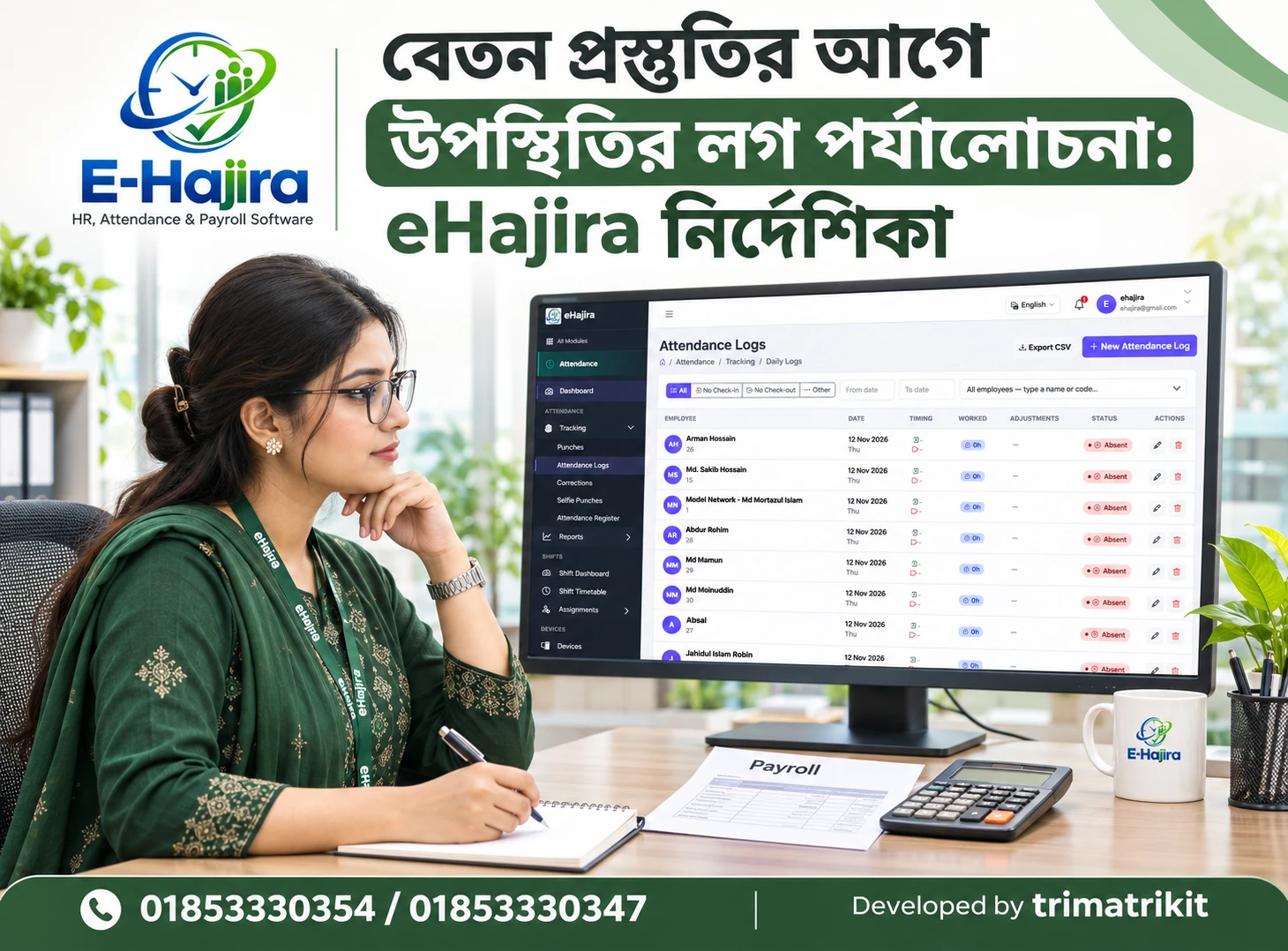
A punch is an attendance event captured through an approved method. A processed attendance record applies the organization’s configured interpretation to relevant events and scheduling information. Employees should therefore avoid assuming that every captured event immediately represents a complete daily calculation.
If you remember checking out but the daily record remains incomplete, HR may need to investigate device information, synchronization or processing. The employee app may not expose those technical details. Report what you observed and when it happened, allowing the responsible team to determine the cause instead of guessing.
Review Check-In and Check-Out Together
An arrival time tells only part of the story. A complete review also considers departure information and the assigned working arrangement. Missing one side of the record can make the displayed working time difficult to interpret.
When you notice an unexpected entry, identify whether the issue concerns arrival, departure or both. Do not submit repeated punches simply to make the history look complete. Additional events can create more ambiguity. Follow the employer’s instructions for reporting an incomplete entry and continue recording subsequent attendance through the normal approved method.
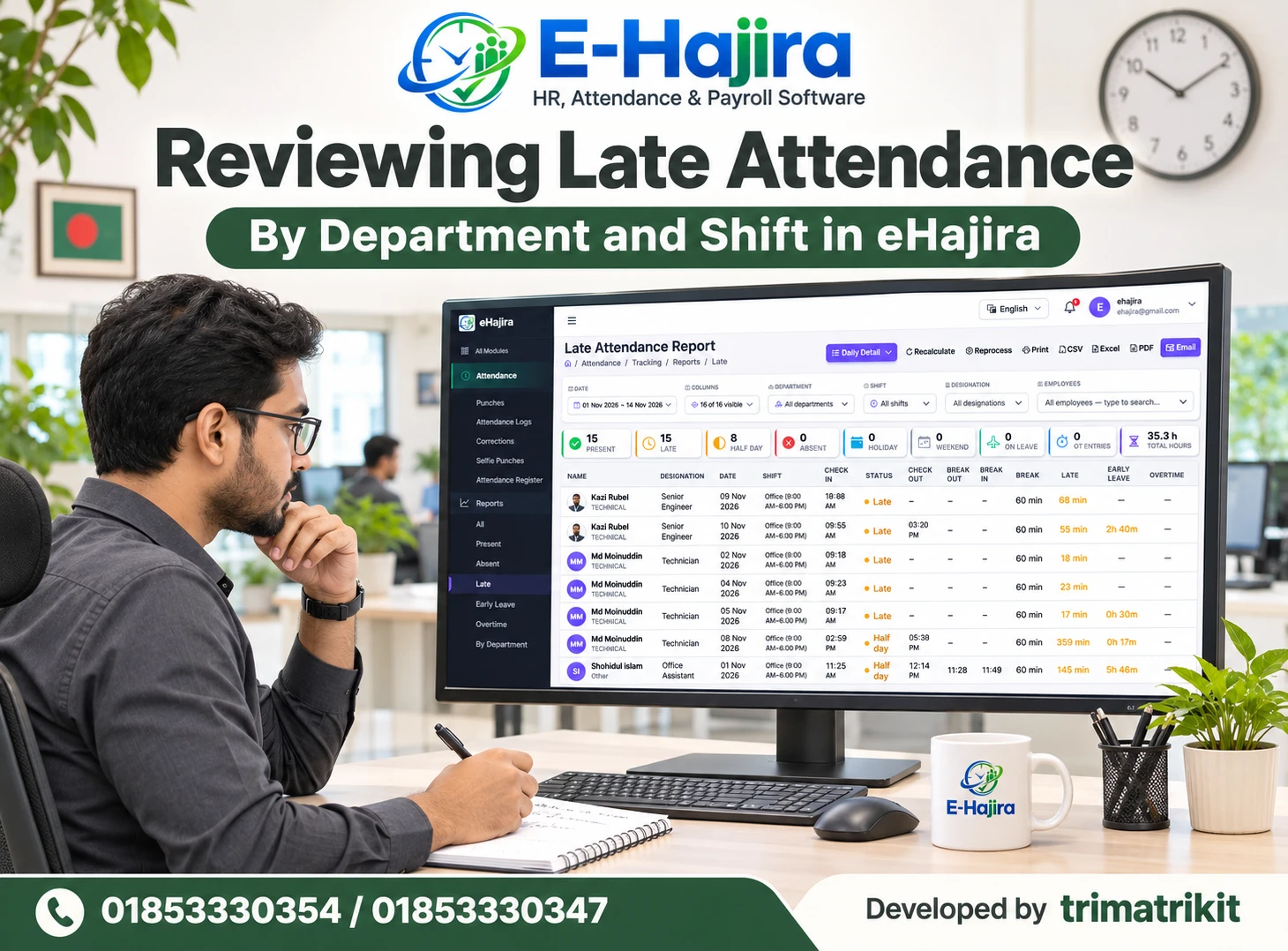
Check Late Arrival and Early Departure Context
A late or early status should be reviewed against the schedule that applied on the relevant date. An outdated shift assignment, an approved change or an incorrect record may require clarification.
Explain the specific circumstance to HR rather than assuming the label automatically determines a salary adjustment. Attendance classification, policy interpretation and payroll treatment are related but separate matters. Any resulting decision should use verified information and applicable requirements. The purpose of reviewing the eHajira history is to make those facts available for a clear discussion.
Distinguish Absence from Missing Information
An absence label and an incomplete record can represent different situations. A missing event does not, by itself, explain whether an employee worked, took approved leave or experienced a recording problem.
If your record appears to show absence unexpectedly, check the date and your assigned duties first. Then contact HR with a factual explanation. Avoid changing your own notes to match an incorrect display or assuming the system will resolve it without notification. Early reporting gives the responsible team a better opportunity to investigate while relevant information remains available.
Compare Leave with Attendance
When reviewing a day covered by leave, consider whether the application was submitted, approved or still awaiting a decision. These stages are not interchangeable. The timing of the decision may also matter when interpreting an attendance view.
If the attendance entry appears inconsistent with an approved arrangement, provide the relevant dates and application reference where available. Ask HR to explain how the record should appear. Do not assume that submitting a leave request automatically changes every attendance or payroll screen. The employer should clarify the relationship between the processes.
Review Your Monthly Attendance Summary
A monthly summary provides an overview, but it should be read alongside daily details. Depending on the available report, relevant information might include attendance days, absence, late entries, working time or unresolved exceptions.
Start by confirming the period and whether it is complete. A summary generated halfway through a month should not be interpreted as a final monthly result. If the totals look unexpected, examine the relevant dates rather than questioning only the overall number. A precise inquiry helps HR locate the underlying issue and explain the calculation.
Avoid Adding Status Counts Without Explanation
Attendance categories may overlap. An employee could be present and late on the same day, depending on the report’s definitions. Therefore, adding every category together may produce a total that does not represent unique days.
Ask HR how each category is defined before calculating your own attendance percentage. Confirm whether the denominator means calendar days, scheduled working days or another approved basis. Without consistent definitions, comparisons between months can be misleading. Different schedules, joining dates and leave arrangements can change the meaning of apparently similar totals.
Handle Night Shifts and Changing Rosters
A shift beginning on one date and ending the following morning requires careful interpretation. Looking only at midnight-to-midnight dates may make a valid overnight record appear unusual.
When raising a question, provide the shift start date and the complete duty period. Employees with changing rosters should also identify which schedule applied on the day concerned. If a shift was changed informally, HR may need confirmation from the responsible supervisor. Clear scheduling information helps distinguish a genuine attendance error from a misunderstanding about how an overnight shift is assigned.
Review Overtime Without Assuming Payment
Additional recorded time should not automatically be treated as an identical amount of payable overtime. The interpretation may depend on actual work, breaks, applicable rules and verified circumstances.
If you have a question, refer to the relevant dates and working arrangement. Ask HR or payroll staff to explain how the time was considered. An attendance summary is useful supporting information, but it is not a substitute for the organization’s complete payroll review. Equally, unresolved administrative questions should not cause genuine work records to be ignored.
Report Missing Punches and Other Discrepancies
A useful correction request explains what appears wrong and what actually happened. Include the date, relevant shift and whether the issue concerns check-in, check-out or another entry. Add supporting information only where necessary and appropriate.
Use the correction route enabled by your employer. If the employee app does not provide that action, follow the designated HR process. Submitting a request does not guarantee acceptance; the responsible reviewer must investigate. Keep the discussion factual and avoid sending the same request repeatedly through several unrelated channels.
Follow Up on a Correction Responsibly
After reporting a discrepancy, keep enough information to identify the original request. If your employer provides a visible status, use it to understand whether further action is needed. Otherwise, ask the designated contact how follow-up works.
When a correction is confirmed, review the relevant entry again. If you previously saved a report, remember that an older copy may no longer reflect the updated record. Ask whether the monthly summary or payroll-related information requires separate review. Do not assume every previously issued document changes automatically after an attendance correction.
Prepare for the Monthly Review Deadline
Ask HR when employees should review attendance and report questions before monthly processing. A communicated deadline helps organize work, but employees should also know how genuine late discoveries are handled.
Reviewing a few entries regularly is usually easier than reconstructing an entire month. Before the deadline, focus on incomplete days, unexpected statuses and unresolved requests. If something remains under investigation, identify it clearly. The goal is to give HR accurate information and enough context to complete its review, rather than submitting a last-minute general complaint.
Protect Your Attendance Information
Attendance history contains personal employment information. Use your own account and avoid sharing passwords, even when someone offers to help you understand the app.
Share screenshots or downloaded documents only with authorized people and include only the information needed to resolve the question. If you use a shared phone, follow the employer’s sign-out and account-security instructions. Lost-device or access concerns should be reported promptly. Employee self-service should make your information accessible to you while preserving appropriate limits on who else can view it.
Make eHajira Useful in Everyday Work
A practical routine is to review recent entries after an unusual shift, a recording problem or an approved schedule change. Employees who visit different branches should check whether the record relates to the correct assignment.
For example, an employee covering an evening shift at another outlet might notice an unexpected departure status. Instead of waiting until salary day, the employee can report the date, branch and approved arrangement. This is an illustrative workflow, not a documented customer result. Its value comes from timely, specific communication supported by the available attendance information.
What Employers Should Demonstrate During Training
Employees need training on their own screens, not only a presentation of the management dashboard. A useful demonstration should show how to locate history, interpret the period and report a question.
Employers should also explain which records are provisional, who reviews corrections and how employees receive an answer. Where exports or monthly summaries are available only to HR, staff should know how to request them. This makes the eHajira app part of a shared working process and reduces confusion about what employees can reasonably expect from their accounts.
Frequently Asked Questions
Can employees review attendance history through the eHajira app?
Published eHajira information describes mobile attendance history review. Your employer should confirm the available screens and access in its current setup, including how much historical information your account can display.
Where should I look for attendance history?
Start with the Attendance area in your app. Menu names and layouts can vary. Ask HR to demonstrate your employee account if the history view is not immediately clear.
Can I review previous months?
Confirm the available history period with your employer. If the app does not expose the required month, request the relevant personal report through the organization’s approved process.
Is my monthly summary the same as my payroll record?
They serve different purposes. Attendance summarizes recorded time and statuses, while payroll considers relevant payment information and rules. Ask HR to explain any connection or discrepancy between the two.
Why does my recorded check-out appear to be missing?
Possible causes require investigation and should not be assumed. Report the date, approximate time and attendance method so HR can check the relevant records and determine what happened.
Can I edit attendance directly?
Viewing history does not automatically grant editing permission. Use the correction process authorized by your employer. A request may require supporting information and review before any record changes.
What should I include in a correction request?
State the date, shift, affected entry and factual explanation. Include relevant supporting information where requested, while avoiding unnecessary personal details or unrelated documents.
Does submitting a correction mean it is approved?
Submission and approval are separate stages. The responsible reviewer needs to investigate. Follow the status available to you or the employer’s designated follow-up procedure.
Will an attendance correction change my payslip automatically?
That behavior should not be assumed. Ask payroll staff whether the correction affects the relevant cycle and whether a separate review or revised document is necessary.
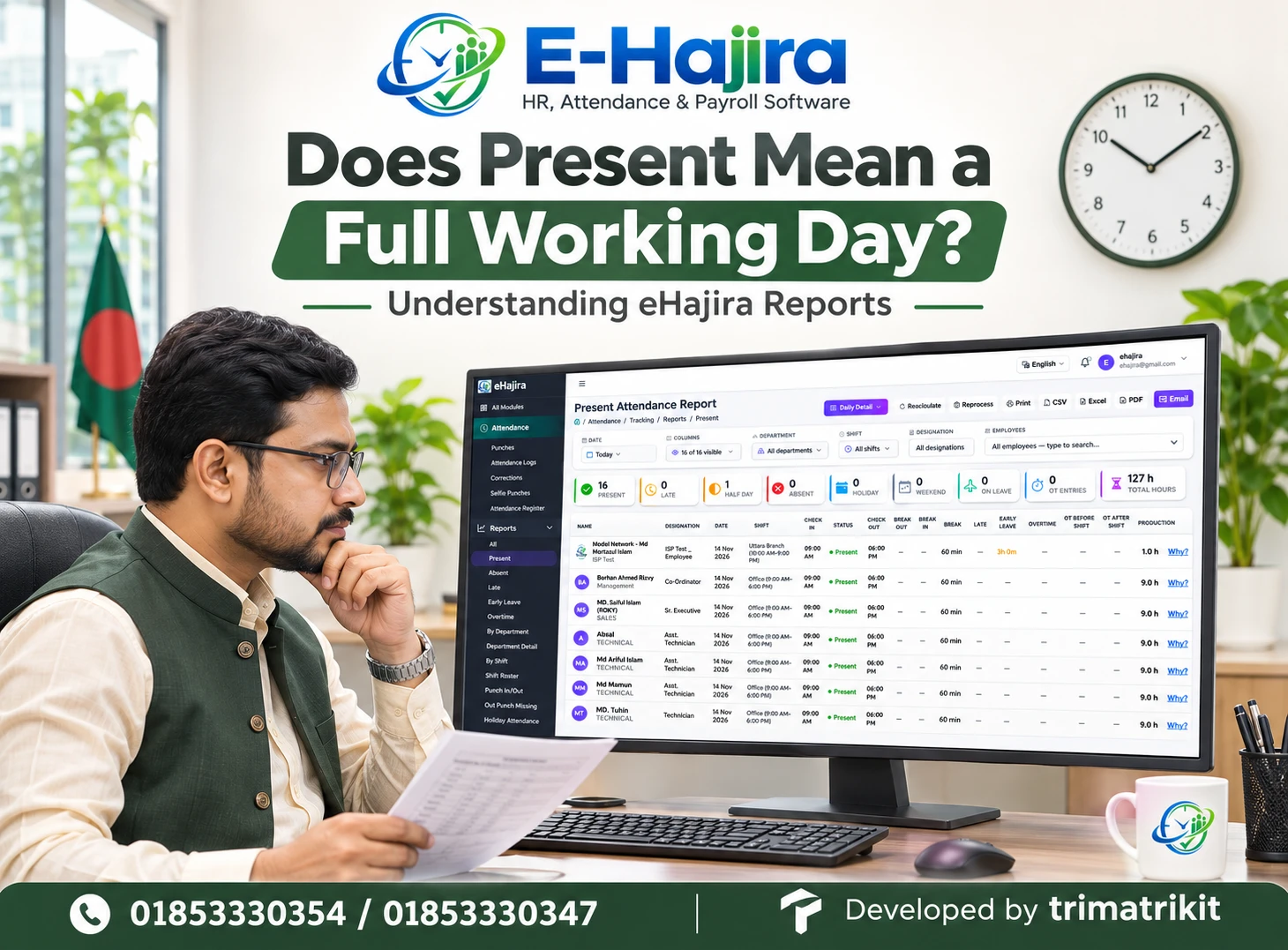
Why can a day be both present and late?
Categories can overlap depending on report definitions. Ask HR how the summary treats each status before adding counts or calculating a personal attendance percentage.
How should I check an overnight shift?
Use the complete shift period and identify its assigned start date. A departure after midnight may belong to the previous evening’s shift rather than a separate working day.
What if my roster changed but attendance looks unchanged?
Provide the approved schedule and effective date to HR. The responsible team should check whether the correct assignment was used when interpreting the attendance record.
Does extra recorded time always mean paid overtime?
Additional presence and payable overtime are not automatically identical. Actual work, applicable requirements and verified circumstances must be considered during the organization’s review.
Why does approved leave appear inconsistent with attendance?
The record may require clarification or updating, but the cause needs investigation. Provide the leave dates and relevant reference, then ask HR to explain the expected attendance treatment.
Can I download my attendance report?
Download access may differ between employee and administrator accounts. Confirm whether your app supports it. If not, ask HR for an authorized copy of your personal summary.
Can I see another employee’s attendance history?
Ordinary employee access should be limited according to authorized responsibilities. Do not use another person’s credentials or seek unrelated records without a legitimate, approved reason.
Will attendance update immediately after every punch?
Avoid assuming that every record appears instantly. Recording, synchronization and processing can affect availability. Follow your employer’s guidance on when to review and report missing information.
Does eHajira work without internet?
Offline capabilities need separate confirmation. Do not assume a failed or disconnected action was saved. Ask your employer how to report attendance when connectivity prevents normal use.
What if I worked at another branch?
Check the assignment and relevant attendance details available to you. If something appears inconsistent, provide HR with the date, location and authorized work arrangement for investigation.
Should I wait until the end of the month to check?
Regular review can make questions easier to explain while events are recent. Follow your employer’s review schedule and report unexpected entries promptly through the designated channel.
What if I discover an issue after the deadline?
Notify HR with the relevant facts and ask about the late-correction process. A processing deadline does not explain how every genuine later discovery will be resolved.
Can an attendance summary prove my salary is correct?
It provides relevant information but does not establish the entire salary calculation. Review the appropriate payslip and ask payroll staff to explain payment components and attendance-related treatment.
What should I do if my employee identity is wrong?
Report the discrepancy to the authorized administrator before relying on the displayed record. Avoid creating duplicate accounts or entering attendance under another employee’s identity.
How can I get the most value from the app?
Understand your assigned schedule, review your available records and ask specific questions. Accurate information and timely communication make personal attendance history more useful for both employees and HR.
Build a Clear Attendance Review Routine
The eHajira app can help employees take a more informed role in reviewing their attendance. Start with the correct account, confirm the period and examine daily details before interpreting a monthly total.
When something appears wrong, provide a specific explanation through the employer’s approved process. Combined with clear training and responsive HR review, this approach can make attendance discussions more organized and easier to resolve.
Recent Post